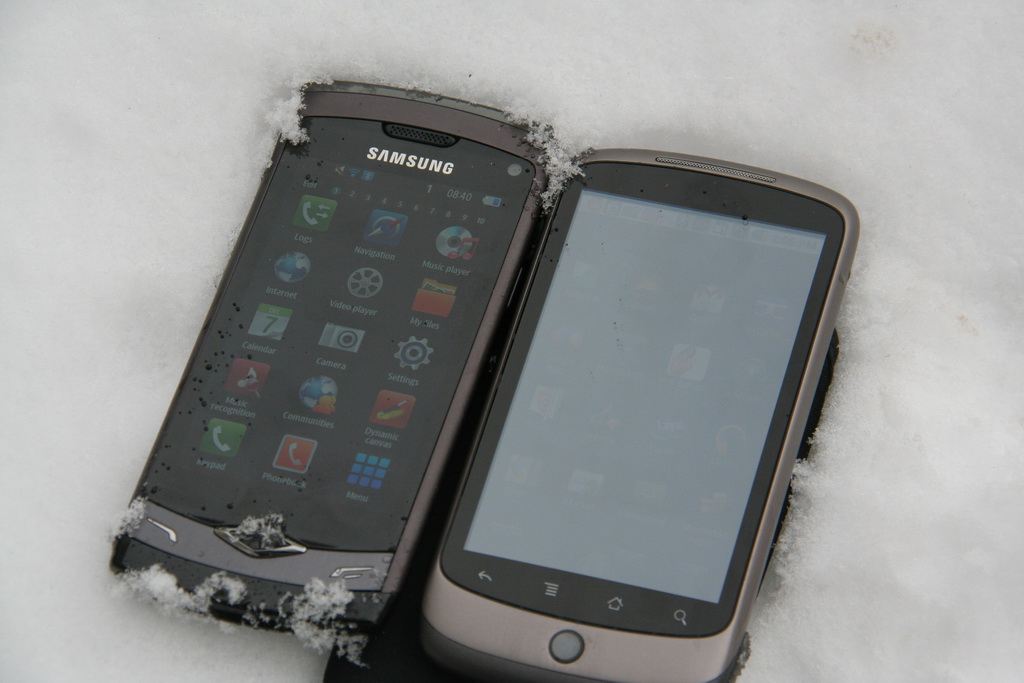
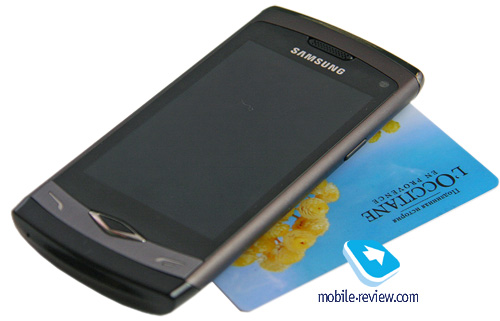
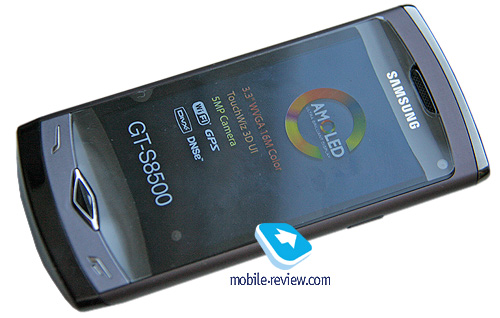
It is the first Bada model, which is a new mobile platform by Samsung, as the company calls it. Every now and then, Bada is considered to be an operating system, which is far from being true. Bada stems from earlier models and is close to them both in terms of ideology and hardware. The S8500, or the Wave, is based on the Samsung S8000 Jet. To a certain degree, both models have the same hardware platform – i.e. they share the same 1 GHz processor and have comparable amounts of inbuilt memory (the Wave has slightly more), although the wireless module and many other parts are different. However, in terms of software, the Wave is obviously a direct derivative of the Jet. Both models also have the same positioning – i.e. a sensor phone for those who seek a balanced solution that allows for video playback, music listening and Web browsing out of the box. Both are "all-in-one" solutions from Samsung's perspective. And quite successful, I should admit. The Jet was primarily marketed as a phone, which is faster and smarter than smartphones. With Bada, the situation is quite the opposite: the marketing department claims it to offer not phone but smartphone functionality. All that verbiage is not that important to end users, who care about what they get for their money. And getting the biggest bang for the buck is exactly what makes the Wave one of the most appealing sensor phones on the market.
It all began three years ago when Samsung discovered the market potential of touch-sensitive phones. During that period, the users could see 4 different generations of such devices from the company. They could also see 4 different display technologies by Samsung (i.e. the resistive screen, the capacitive TFT screen, the AMOLED, and the Super-AMOLED) replace each other gradually. For comparison, the second generation of phones from Nokia is only about to enter the market (the Nokia X6 being the first such device), and other manufacturers are lagging behind due to the lack of resources, too. It is only Apple that is on par with Samsung, since the American company is able to get the necessary displays and other phone parts from third parties in the amounts required due to its high sales. Yet for Apple, it is more of a story of a single product, of which there exist four generations. The market of touch-sensitive phones is dominated by two companies only – Apple, which is dictating the user interface and shaping the general development trend, and Samsung, which is serving virtually any price segment. Android phones are being compared to the iPhone, which makes them unoriginal already (which is far from being true) or simply get lost among cheaper Samsung models.
Samsung has a lot of experience in making sensor phones and can learn from its earlier mistakes, which has led the company to creating the Wave, a flagship model destined to become an icon of the new lineup. Who is the target audience of such phones? First of all, they are for the users who want to get the maximum functionality at a reasonable price – i.e. such devices provide the best price/quality ratio. Nokia's response is the best signal of Samsung's initiative being taken seriously. It is for the first time ever that a flagship model from Nokia is priced at less than EUR 450. Samsung's actions made the Finnish company reconsider the pricing strategy, which resulted in the gradual decrease of its average smartphone price. That is a reaction to Samsung's success with touch-sensitive phones. Nokia has no sensor solutions except for the smartphone segment and thus has to sell the latter with minimum margins (although that doesn't make the Finnish products cheaper than what the competitors, say the same very Samsung, can offer).
Secondly, it is a model for the mass market. What is an average phone user's take on smartphones? Such people look for a phone, not a computer of any sort, where you can or at times even have to install additional software (hello Windows Mobile). In the spring of 2010, another round of the annual mobile phone user survey (over 10,000 respondents) took place in 11 European countries. An amazing finding is that the majority of smartphone owners have never used any extra programs (87%; also true for the previous year) on their devices, a limited number of them have installed up to three applications (11%), whereas it is only the remaining 2 per cent who have been using the smartphone features extensively, in particular downloading additional titles from various stores. With the Apple iPhone users, quite an opposite pattern can be observed – i.e. only 12 per cent of the European users have never installed any additional software, whereas the majority of them are actually taking full advantage of that, up to three programs being installed by less than 1 per cent of the respondents. That is all due to Apple's PR activities as well as their user-friendly store and the fact that it is integrated with iTunes. Once the iPhone owners discover the option, they tend to use it frequently. With other manufacturers, the situation is different; their customers have no such experience at the moment.
Roughly speaking, at most 10 per cent of all customers need additional software on their phones, and the number goes down to 5 per cent if one is not so optimistic. These are the techi, those who are fond of technological novelties and have time to experiment, try out something new. Apparently, the proportion of such people among smartphone users is higher. Yet one can't say that such functionality is something that every single user needs. It is not like that.
Therefore, Samsung decided to take into account other companies' experience and customers' behavior habits before releasing Bada. Such devices can provide the most popular features directly out for the box, making solutions suitable for the majority of the audience. They are not targeted at individuals who seek support for some exotic audio formats or console connectivity to a UNIX server or anything else as extravagant. These are mass products for the general audience; neither for engineers, nor for geeks, but for average Joes. And I can say that Samsung did hit the bull's eye with that. I also understand that my words will cause rightful indignation among some of our readers, as they actually represent technology lovers and enjoy having an access console to their ftp server in the phone or something even fancier than that. But such people are the minority, and a very slim one. The mass market is different. And the Nokia N900 sales made a perfect case about that: the technological device for geeks had very limited sales as for the company's flagship.
Let's get back to the positioning of the Wave. It is Samsung's flagship sensor phone, the best from the four generations of such devices. It has the newest user interface, updated widgets (in terms of quality, the company has been a long-term leader in the area) as well as superior hardware including the best screen on the market, which leaves all competition far behind. In effect, Samsung has created a sensor phone with the most functionality and has also tried to throw in the best user experience (e.g. touch feedback, image quality) there. At the moment, the only two companies on the market that have managed to realize the concept of a sensor phone on such high level are Samsung and Apple. Whether you like it or not, that is the truth.
The life cycle of Samsung devices and flagships is constantly decreasing, and as such, the S8500 will have the lead till this coming fall. After that, it will be replaced with another, better and more expensive model. Although Bada will be evolving very quickly, the major features are already available in the current device.
All marketing aside, one can be certain that the Wave is one of the most powerful (smart)phones and a notable device in its segment. There is no other model, comparable in terms of the price/quality ratio and functionality, on the market. Those seeking a sensor solution should pay close attention to the device as it has a lot of potential inside; but first things first.
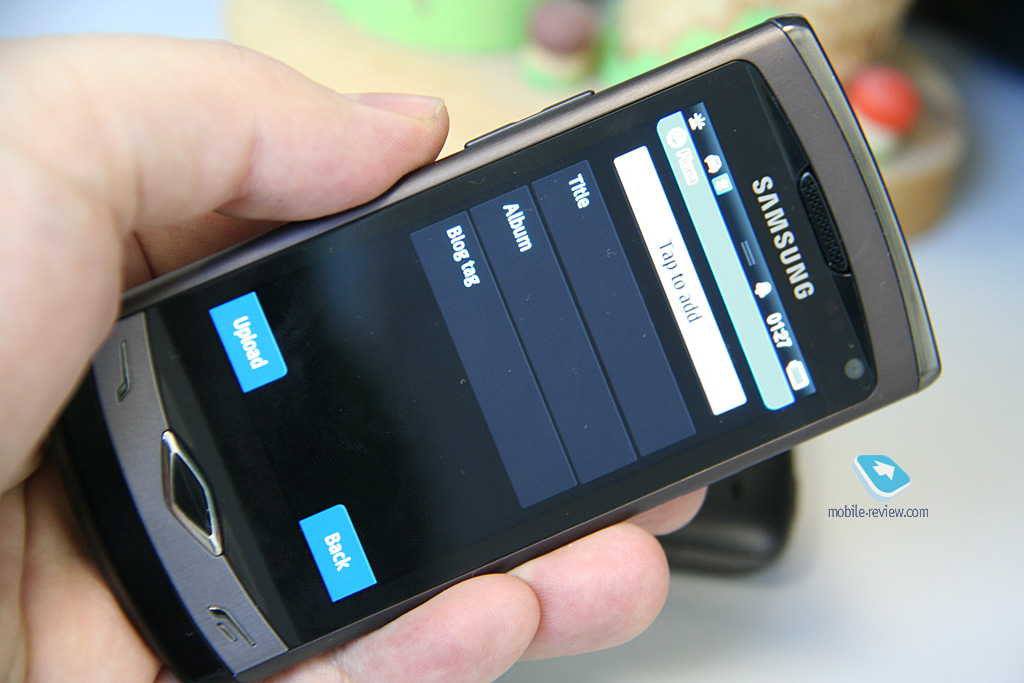
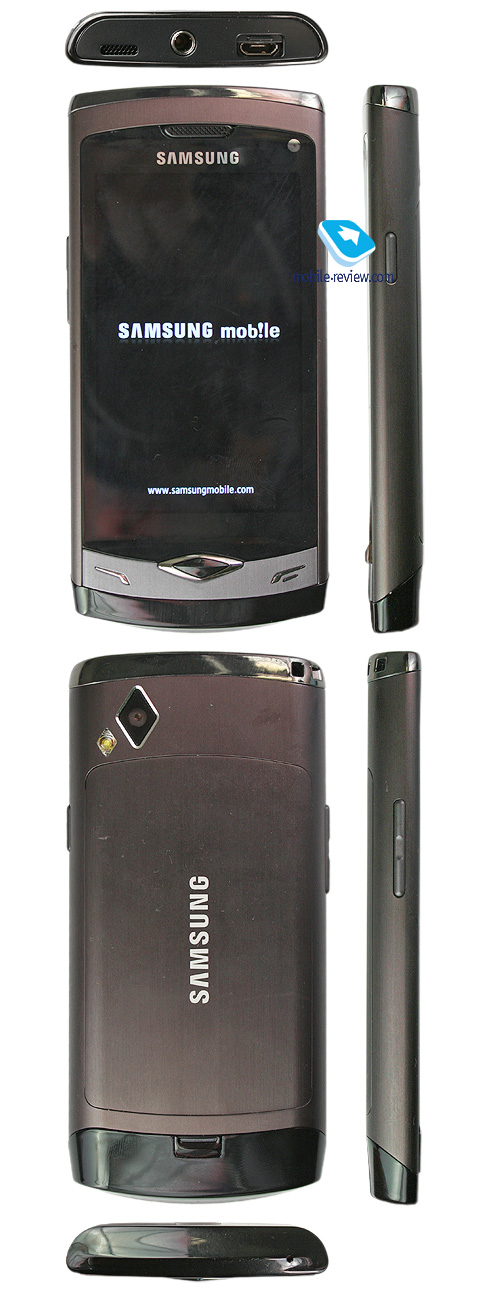
It is a classic sensor phone with a large screen and a few hardware key below it. The center key is diamond-shaped, which is not something that everyone likes, but it's no big deal since it serves just for input confirmation. The call and hang up buttons are fine.
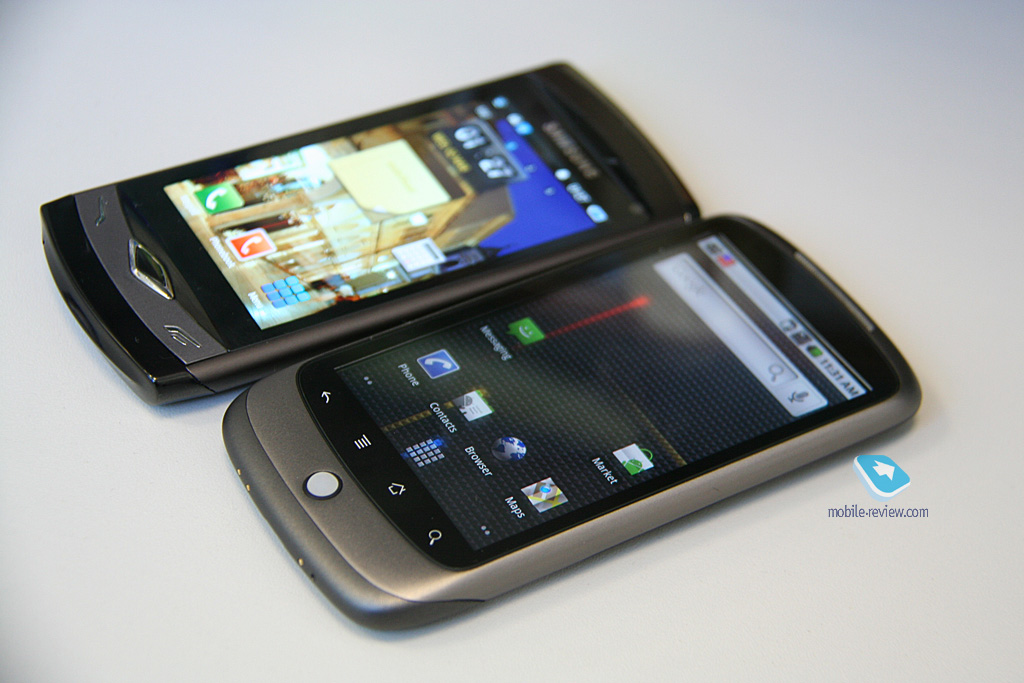
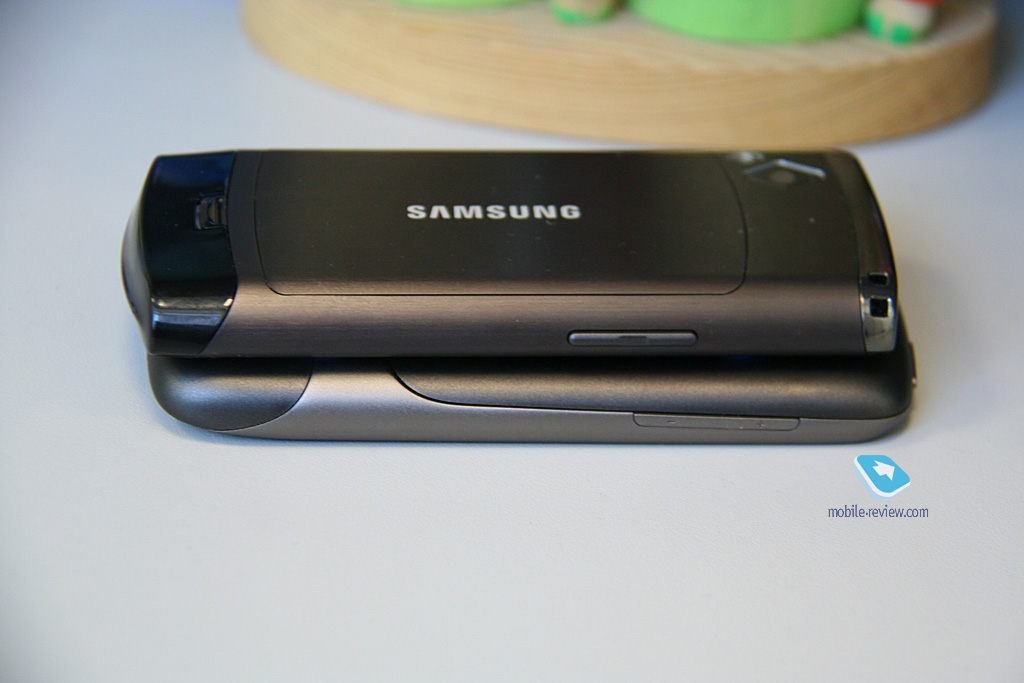
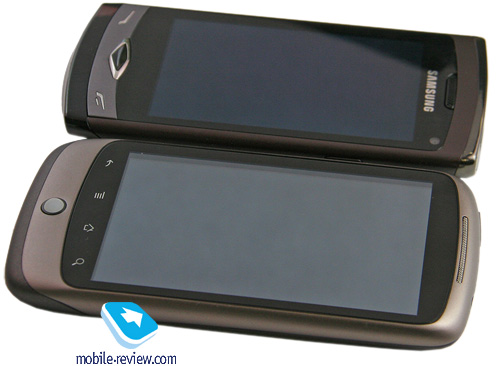
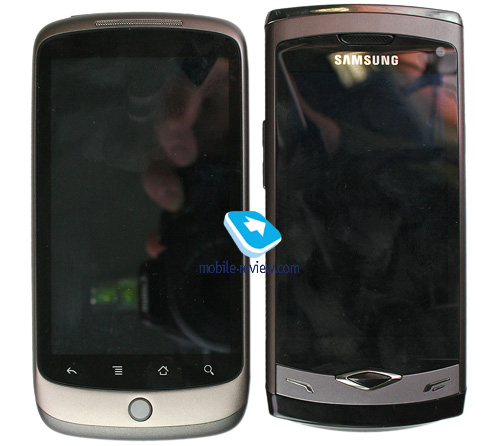
The phone measures 118x56x10.9 mm, and weighs approximately 102 grams. On the whole, it is a sleek device, smaller than say the Nexus one, and the difference is quite visible. Although both devices feel good in one's hand, the Nexus is bigger in size due to the larger screen diagonal.
Comparison with the Google Nexus:
There is only one color finish available so far. Later, as it is customary for Samsung, the color range will be extended. In everyday's life, the device doesn't produce any strong impressions – i.e. the design is casual, somewhat conventional, which may be not so bad in the end.
Above the screen, there is a frontal camera for video calls and a light sensor. The device also features a proximity sensor and an integrated digital compass.
There is a standard microUSB port on the top, both for data connectivity and charging. It is protected with a special lid attached to the case. Nearby, you can find a standard 3.5-mm audio jack; the phone has a dedicated DNSe sound-processing chip, just like in Samsung's audio players.
The right-hand side features a lock button and a camera button slightly below it.
The build quality is excellent; the screen is protected with glass, and the camera lens and flash are on the rear side.
About a year ago in Barcelona, Samsung presented products with the AMOLED screen, which were the best display option for mobile phones at the time. In mid June 2009, the Samsung Jet with the latest generation AMOLED matrix, 3.1-inch in the diagonal, 480x800 pixels resolution, was announced.
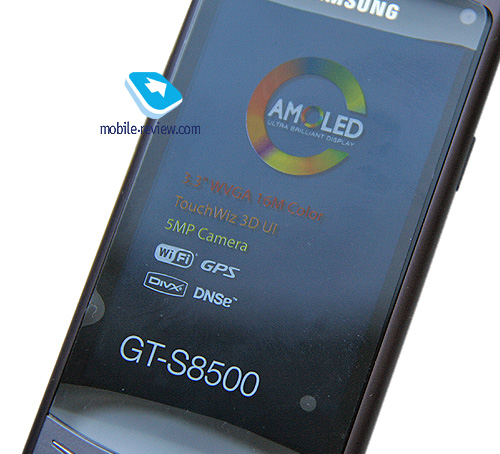
In less than a year, another technology, dubbed Super AMOLED, is unveiled. The new display is different not only in terms of its positioning but also in terms of the hardware design. The standard AMOLED consists of several layers with air cushions in-between, whereas Super AMOLED uses just one sensor layer without any clearance. This allows for a higher brightness (up to 20%) at the same power consumption rate as well as for an exceptional thinness of the whole display unit. The main layer is only 0.001-mm thick. The technology is called AMOLED on-cell and allows all the electronics to be part of the display with no need for external components.
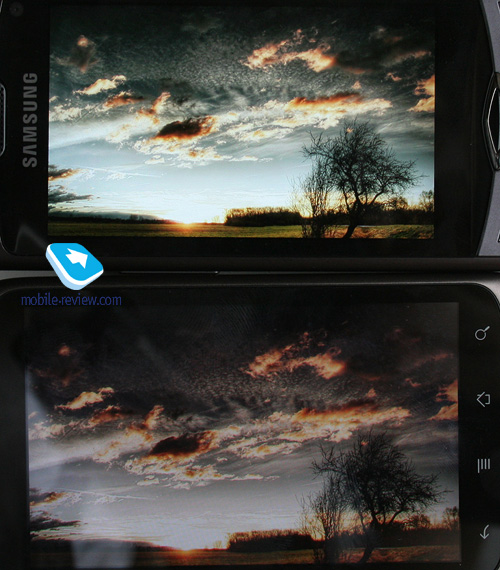
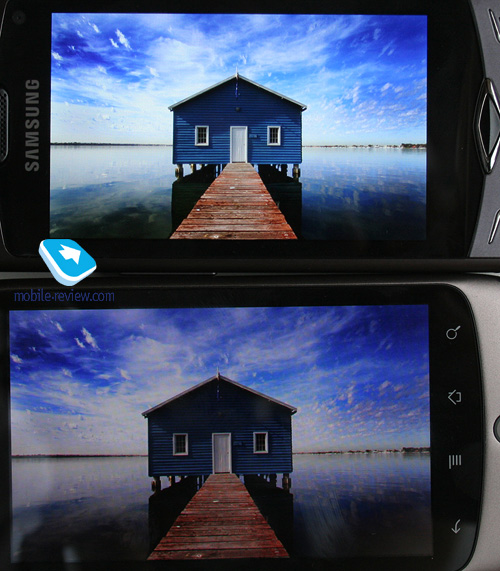
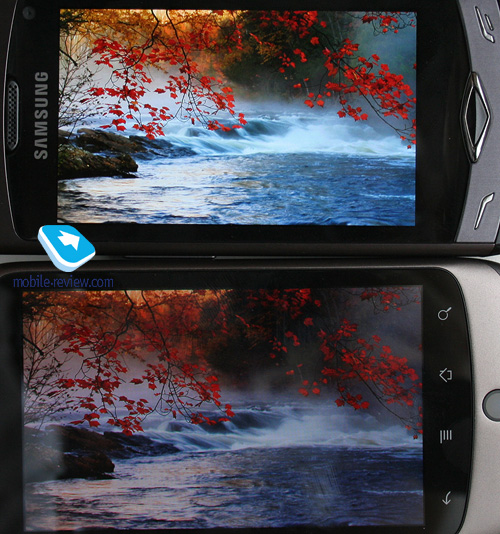
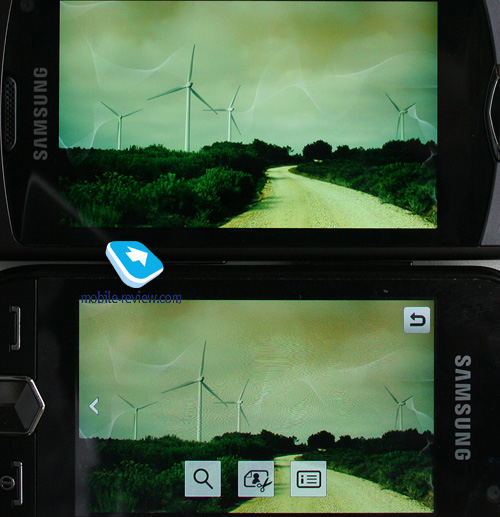
In direct sunlight, the screen is excellent and in fact comparable to matrices with a special reflective coating. It is very easy on the eyes. The first matrices are 3.3 inches in the diagonal and have a resolution of 800x480 pixels (up to 16 million colors supported). The S8500 is equipped with a display exactly like that. For a while, the Super AMOLED technology will be available in Samsung products (consumer electronics) only, whereas the competitors are granted access to the previous generation displays, like the one used in the Google Nexus One – just remember how it performs in direct sunlight.
The new capacitive screen has the following advantages:
Highly responsive – the screen reacts to the gentlest touch (it outperforms the Apple iPhone, which is the de-facto standard in this respect);
Readable in direct sunlight;
Extremely bright – the colors are simply unreal (while the regular AMOLED beats TFT, this screen beats AMOLED);
Up to several times longer life time due to the lack of air cushions (the weak spot of AMOLED is burning out of the organics).
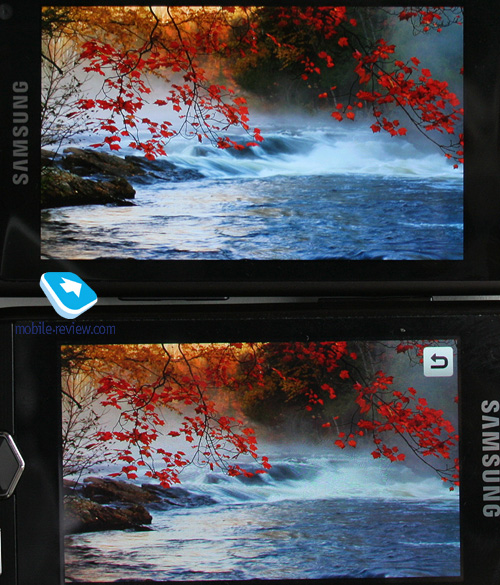
In reality, such screens will blow you away. They offer high brightness and high quality. They are simply the best I have seen in portable electronic devices. After them, the Nexus screen and those in other models appear flat, very pale reflections of reality. Some even had dreams of the same color gamut after seeing the new screen, such lasting an impression it makes. Beware of mind escapades!
Comparison with the Google Nexus:
Comparison with the Nokia X6:
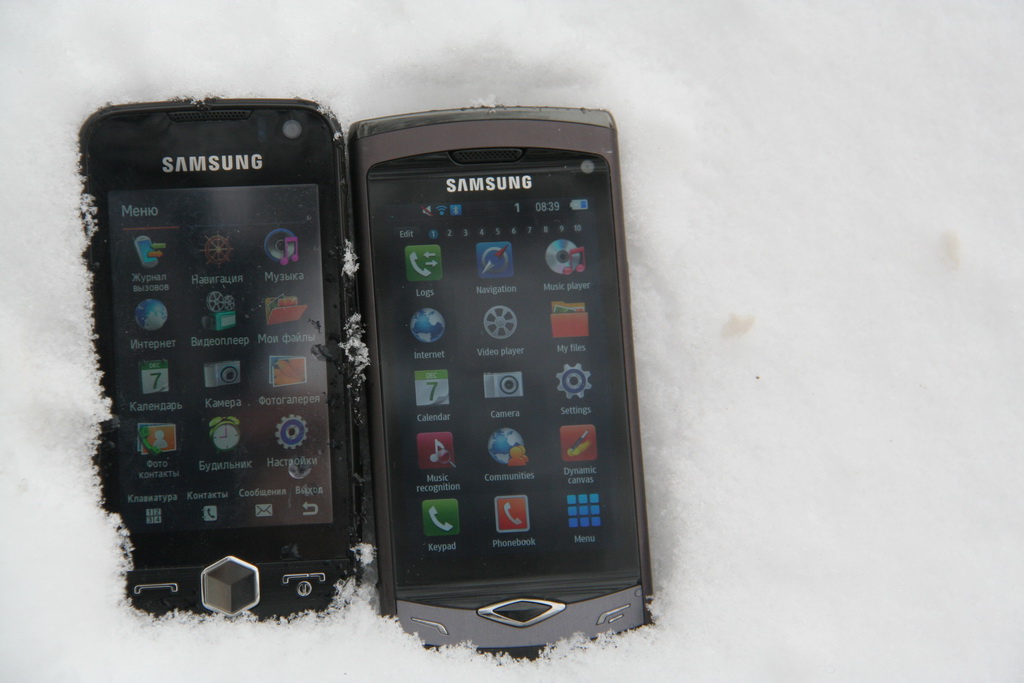
Comparison with the Samsung S8000:
The display is extremely comfortable to work with. The brightness is automatically adjusted according to the light conditions.
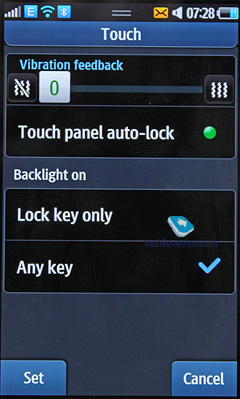
In addition, Samsung equips its devices with the VibeZ technology – i.e. the phone vibrates to confirm on-screen button presses.
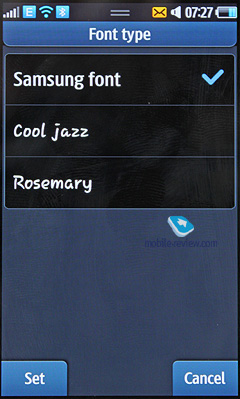
The screen provides enough space for up to 16 text rows and three auxiliary lines. In the messaging mode, you can have up to 24 lines of text depending on the font size. You can also use the volume rocker to adjust the font size from gigantic to miniature. There are several font options available in the preferences but they don't differ much. However, unlike many other phones, the font size is large and can be read just fine regardless of the distance, which is good.
In direct sunlight, the screen does not fade away, which is a great advantage since other matrices of the same size are not that good under similar conditions.
The device has an integrated g-sensor, which enables you to change the screen orientation and browse through your pictures by simply rotating or tilting the device. It also supports the Smart UnLock feature, so that you can initiate a call or launch a program, etc. by drawing a symbol on the screen (up to 9 assignments).
Do you think that is all about the display-related technologies in the Wave? Samsung and I have one more special feature to boast of. The phone is the first product, for which the not-so-recent DNIe (Digital Natural Image engine) technology has been adapted. Announced back in 2003, it is a universal solution used in the company's various TV lineups. In 2010, the mobile version was developed under the name of mDNIe. The technology is aimed at increasing the contrast and improving the sharpness and color saturation of the picture as well as fighting the noise. Four different filters are used to analyze and process the video. They start with detecting motion to avoid blurring effects, then analyze the contrast and adjust the picture (up to 70,000 points are considered). After that, they check the overall sharpness and highlight the most important details. At the final stage, the color saturation is tested and the brightness gets adjusted.
Unfortunately, you won't be able turn off mDNIe on your S8500. Therefore, we will be able to see the difference only when some other device manufacturers get their hands on the same matrices. My bet is that the difference will be significant indeed. As regards why I think so, let's discuss in the article about Samsung's technologies presented at MWC.
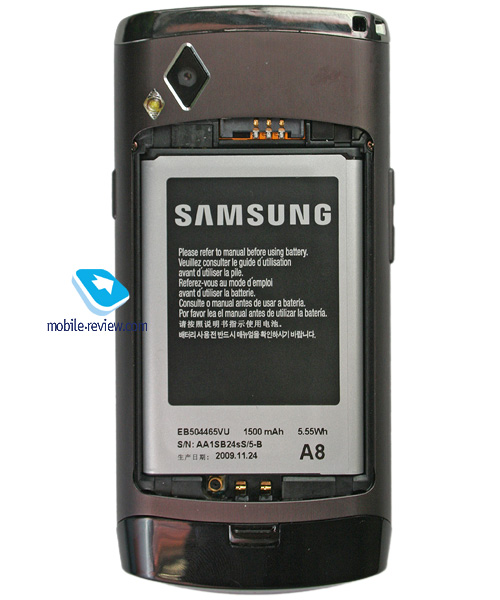
The phone is equipped with a 1500 mAh Li-Ion battery. According to the producer, it allows for up to 8.5 hours of talk time or up to 450 hours of standby. In European cellular networks, the device could last up to 2 days, which included an hour of talking, a few messages per day, some minimum e-mail work, up to three hours of listening to the music and radio, and automatic e-mail updates every two hours (both via EDGE and Wi-Fi). If you are using the Web or e-mail a lot, the battery will allow for one day of work only. It requires about 2 hours to charge fully.
You can get approximately 5.5 hours of video (unconverted) or up to 30 hours of music playback. The battery is larger than the one used in the Jet, which results in longer runtimes.
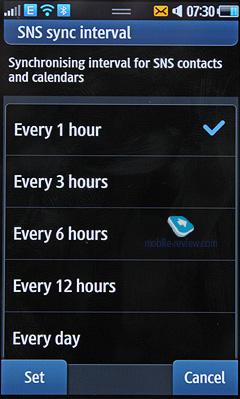
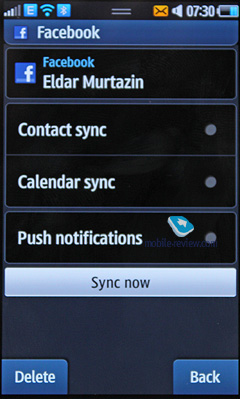
What can eat away at your battery are network widgets – that is, if you have many of those, especially with automatic updates, then you can expect the device to last for just one day. You should also turn off address book synchronization with the social services (e.g. Google, Twitter, Facebook) when they are not needed.
However, if the Wave is compared with similar devices but powered by Android, you can be sure that the former will last by at least 15-20 per cent longer under the identical usage profile and with the same number of running services. It is the difference in the hardware and software optimization that allow for better runtimes.
Bluetooth. It is one of the first models with the latest Bluetooth 3.0, which is also called High Speed. If the receiving device supports the technology, the data is transmitted with the help of Wi-Fi 802.11n, and the theoretical speed limit is around 24 Mbit/s. I tried to transfer a gigabyte file from one S8500 to another, three meters away, and the maximum speed was around 12 Mbit/s.
The device supports various profiles, such as Headset, Handsfree, Serial Port, Dial Up Networking, File Transfer, Object Push, Basic Printing, SIM Access, A2DP. I didn't experience any trouble pairing it with wireless headsets.
USB Connectivity. In the menu, you can select one of the following working modes: Media, Mass Storage, PC Internet, and Samsung Kies.
In the Mass Storage mode, the phone memory can be accessed from a desktop computer without any extra drivers required. The version of the interface is 2.0, which allows for data transfer speeds of about 4.5 Mbit/s.
If you want to connect the device to a computer, you will have to turn off Bluetooth regardless of whether it is actually active at the moment or not, which is very awkward.
USB charging is not supported.
You can use EDGE class 12 for your data needs on GSM networks.
Wi-Fi. The built-in module supports 802.11 b/g/n, and the wizard mode is similar to the one used for Bluetooth. On the downside, the authentication procedure required by some public hotspots, due to an unknown reason, won't work unless there is a SIM card in the Wave. It appears that the "airplane" mode does not fully support networking. The same is true for the LG Arena and some other devices, though. Besides that, Wi-Fi works just fine.
The S8500 is the first device that you can pair with your router with a single button press. To do that, just press the button on the router and activate the corresponding option in the device menu (WPA SecureEasySetup).
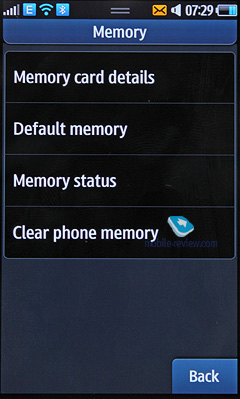
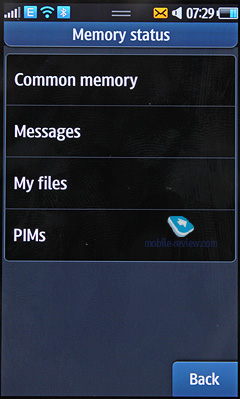
The phone has 2 GB of inbuilt memory (8 GB version is underway) with approximately 1.5 GB available to the user from the start. The memory card is treated separately, but there is a way to display all folders simultaneously (both from the device and card memory). You can copy files to the memory card and back using the built-in file manager. The memory card slot does not support "hot swap". We have tested microSD cards with capacities of up to 32 GB, and there were no problems with any of them.
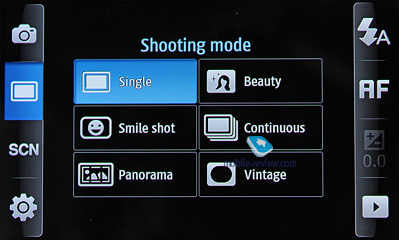
The device features a 5-megapixel sensor with the latest generation autofocus from Samsung. Among the improvements, are a better color gamut and ability to pick a focus point with a single tap on the screen. The interface is horizontally oriented, and every option can be selected using a corresponding large icon on the screen, which makes the camera very convenient to work with.
The automatic contrast ensures decent quality pictures on a bright sunny day.
In the manual mode, you can choose any of the following ISO options: 50, 100, 200, 400, and 800.
Below, you can find the list of resolutions supported:
2560x1920
2048x1536
1600x1200
640x480
2560x1536
2048x1232
1600x960
800x480
Modes:
Single shot
Multi-shot
Panorama shot
Smile shot
Mosaic
Frame
White balance:
Auto
Daylight
Incandescent
Fluorescent
Cloudy
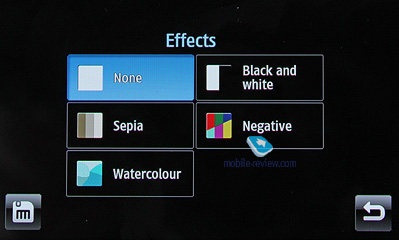
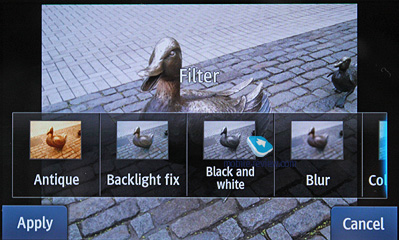
Effects:
Black and white
Sepia
Negative
Watercolour
Scenes:
Portrait;
Landscape;
Night shot;
Sports;
Indoor;
Beach/Snow;
Sunset;
Dawn;
Autumn colors;
Fireworks;
Text;
Candle;
Against light.
Face Detection is a rare feature, which allows the device to focus on human faces while taking pictures. The function has been enhanced to recognize blinking and can be set to automatically make another shot if that is the case.
There is also a special mode for taking panoramic photos available.
The Beauty mode flattens the tone of human skin to make faces look better as if there has been a make-up or Photoshop retouching applied.
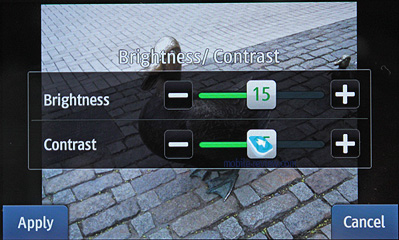
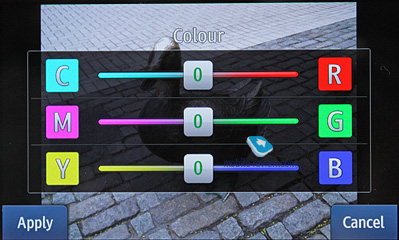
The geo-tagging, contrast, brightness, image sharpness and quality options are standard.
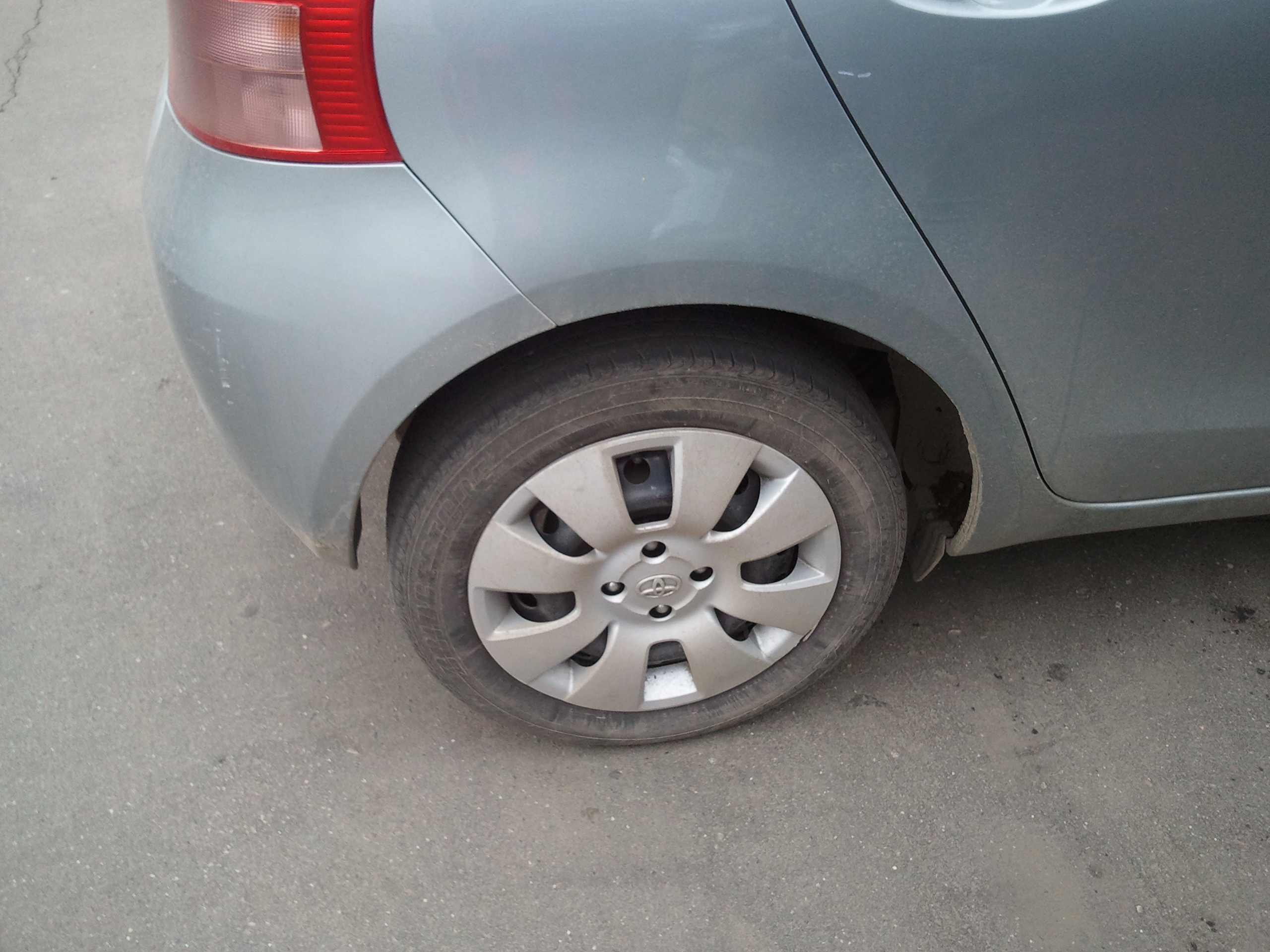
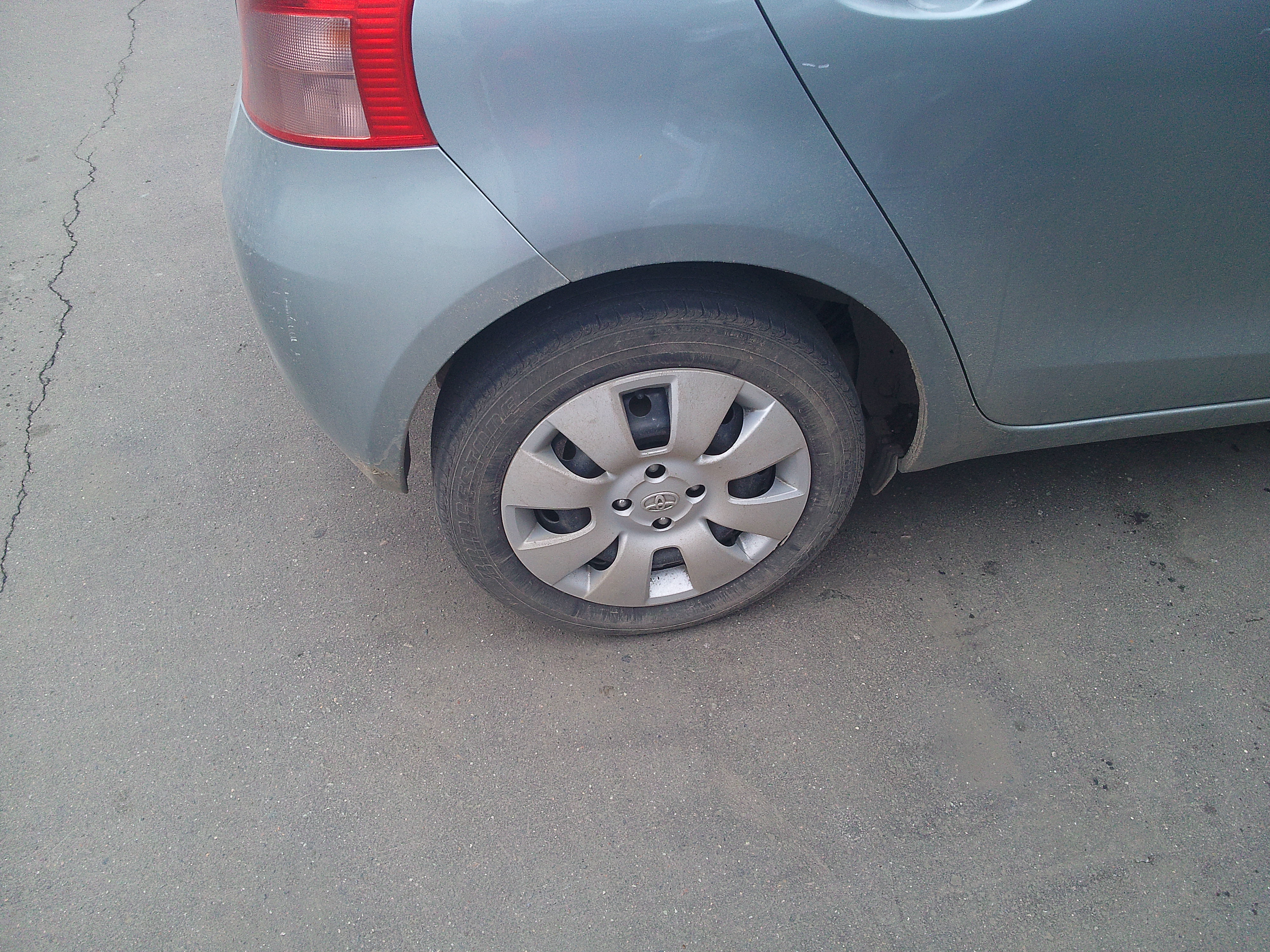
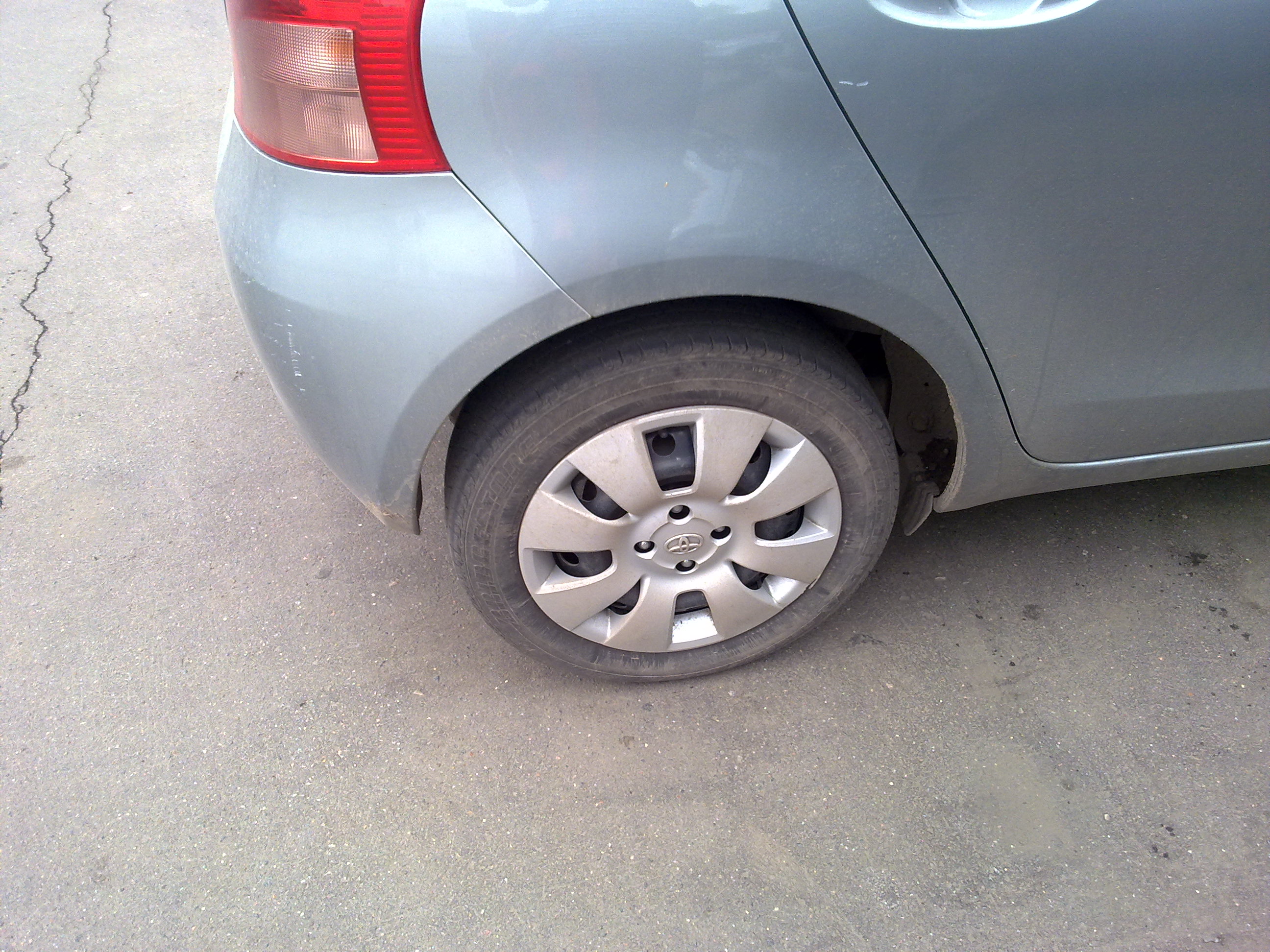
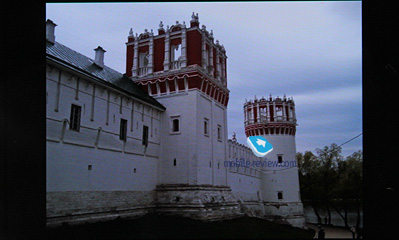
Below you can find some sample shots taken under various conditions side by side with those from a few alternative devices.
Comparison with the Nokia N97 and Samsung PIXON12:
Samsung Wave
Samsung PIXON12
Nokia N97
In my opinion, the cameras are more or less on par with each other, which is another confirmation of the fact that it is not the megapixels but optics that matter. In comparison to the Samsung Wave, the Nokia shots look awful on the phone screen, whereas the Pixon12 is somewhere in-between. If the pictures are taken on a sunny day and then examined on a computer, then the solution from Nokia appears slightly better. However, if the Wave and Nokia N97 Mini were being compared in terms of taking pictures, I would say that they are quite similar, with the details being of minor importance to the general public (not in terms of detalization but rather in terms of user options).
While preparing this review, we had a chance to compare the camera with some 12-megapixel phone modules, like the one used in the Nokia N8 and a number of other, yet-to-be-announced devices. Image quality differences are not that apparent, and, some minor details aside, the overall results are pretty much the same. Unless there is a change in phone optics, there is no revolution to talk about.
You can see the shots with your own eyes and decide for yourself, which phone has the best camera. You are also welcome to express your opinion on the forum. Those will vary, I believe.
Outdoor picture samples:
Indoor picture samples:
Video Recording
The phone supports video recording in the mpeg4 format at the maximum resolution, both with and without sound. The user options are similar to those available for taking still images, however, the list of supported resolutions is different, and there are also a number of special effects to apply. The maximum resolution is 1280x720 pixels, but you can also have either 720x480 or 640x480 pixels (both at 30 frames per second). The options of 320x240 or 176x144 pixels are at your disposal, too.
The video quality is not bad and looks fine both on the phone and computer screen. Just like in Sony Ericsson models, the focus is fixed. As far as the special features are concerned, you get to play with the contrast, color saturation and sharpness before taking the actual video. In the preferences, you can also find a special mode that tweaks the screen visibility for direct sunlight.
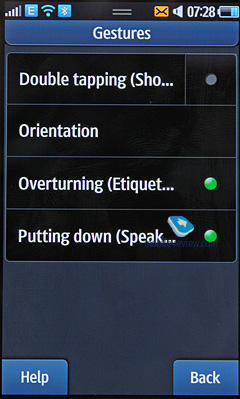
Motion controls are context sensitive, that is, it matters where you use them. For example, in the gallery, you can browse through the pictures by tilting the device to the left or right. Tap the device twice – and it will perform a predefined action of your choice. However unlike the early prototypes, you cannot launch applications when unlocking the device with a gesture.
Etiquette allows you to mute the phone by simply turning it upside down if you receive an incoming call or an alarm or calendar notification goes off; that doesn't affect the current profile.
With the Speakerphone mode, you can have the loudspeaker activated every time the device is put on the table during the conversation. It is one of those little things that turn one's work with the phone into a pleasant experience.
It's no secret that Samsung has made the TouchWiz interface a cross-platform one, which means that you can find it both in Bada, Symbian, Windows Mobile, and Android devices. However, the shell was originally designed for the company's own operating system (that is, Bada) and as such has the most functionality and innovations there. Just like the Jet was the first device with the second version of the interface, the Wave is the first one to feature TouchWiz 3D, which is the third, and the most functional generation to date.
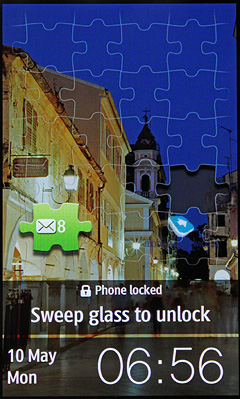
The device can be unlocked with a gesture by simply swiping the screen. The locked screen appears as a jigsaw puzzle with the pieces representing missed events if any. By dragging a piece to an empty space, you will launch the corresponding application (e.g. message or call list). If you simply unlock the phone, you will see the standby screen.
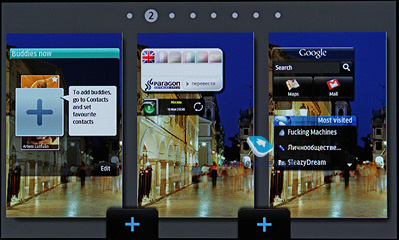
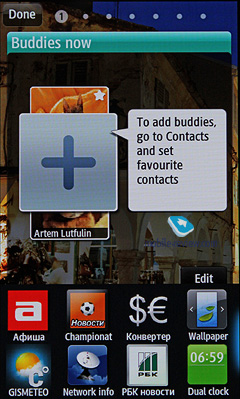
The standby screen displays one of the three default desktops with widgets. Change the orientation of the device to the landscape mode – and you will be able to add up to ten extra panels, which should provide enough space for all your widgets. The phone ships with 20 of those, but you can always download some more. The widget toolbar is now located at the bottom of the screen, which makes it easier to keep all the elements organized and prevent their unwanted activation.
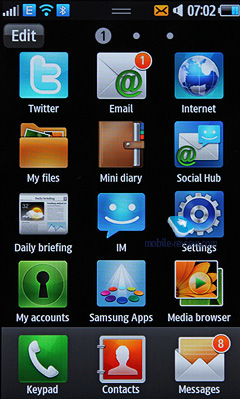
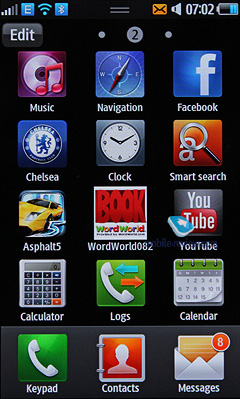
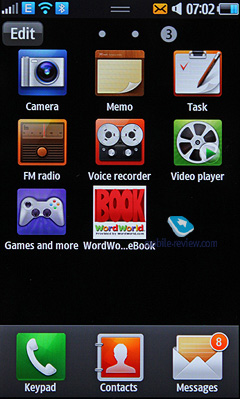
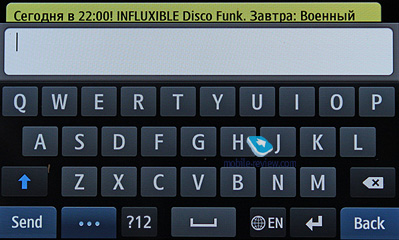
The main menu can be accessed by pressing a button in the lower part of the screen. It appears as a 3x4 grid and is well suited for the sensor screen. All that is needed from you is to pick an item to tap. Whenever you come across a text input field – another tap – and a keyboard pops up, no confirmation required. At any moment, you can rotate the phone for QWERTY input.
Just as it is with the desktops, you can have up to 10 pages in the menu. However, it is not that important since you cannot add your own icons or shortcuts (most likely, it is for the new software that you can download from the store). All you can do is scatter the icons across the pages, which doesn't appear very smart, though. All icons but Menu are free to move around as you wish.
The menu is adaptive, which means that the most frequently used applications will always be on top. I find it great, but those, who like to have their programs organized in a particular way, may find the feature disturbing. It is off by default.
Every menu has a toolbar at the bottom of the screen. The buttons are context sensitive, that is their functions and quantity (up to four) depend on the current menu.
Scrolling. If you use the left-hand side of the screen for scrolling, it will be faster than on the right-hand side. The function is basic yet very powerful and handy. For lists with names, there is a way to quickly get to a particular word. For example, you can easily scroll till the necessary letter in the picture gallery, which is convenient.
The menu has a pop-up status bar with 4 icons that indicate the current status of GPS, Wi-Fi, Bluetooth and sound profile. It also indicates missed events, such as new text or e-mail messages, calls. The implementation is very similar to that in Android. For example, you can see the sender address or name and the first few lines of a text message.
The phone supports push messaging for the majority of inbuilt applications, such as Twitter, Facebook and Samsung's application store. In the preferences, you can enable their information updates to be displayed as pop-up messages on the standby screen. For example, if someone leaves a note on your Facebook wall, you will immediately know that. No need to say how handy the feature is, albeit it will eat away at the battery, especially if you are a popular person. Instead of two days, the device may last for just one.
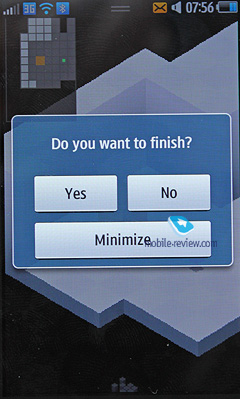
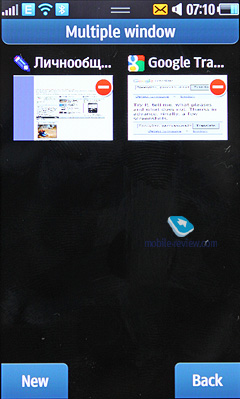
There is nothing new there: just hold the center key to bring up the list of running applications and switch between them. The applications are shown as a 2x4 grid. You can shutdown either of them or all at once. As far as the multitasking limitations are concerned, you are currently allowed to have any number of inbuilt programs but only one Bada and one Java application running at the same time. No two Bada applications can be working simultaneously. The restriction is there for the sake of stability and should be alleviated in future. You will have to live with that for a while, though. When a program is minimized, the data get stored so that you can continue your work later on (depends; I could not get that working with some games).
From my experience, the device can handle up to 10 applications just fine, unless one of them is the memory-hungry browser, especially if you open three or four heavy pages. In that case, you will be asked to shutdown an application or two. You may also have to cut down on some active network widgets for the browser to run normally
As far as I can remember, Nokia has been the most active player on the widget market, albeit an implicit one. Having come up with the actual idea for S60, the company turned out to be almost two and a half years late with its market introduction due to certain development issues. As a result, it is Samsung that has been making the progress in the area for three years and has very powerful solutions to date. The number of widgets in the Wave got bigger, and they are even more interesting now.
Describing all of them would require another lengthy review, as there are more than 50 freeware applets in the widget library to date; and based on how active the developers have been with the previous models, that number is soon to be more than one hundred.
Let's take a look at the most interesting and useful ones.
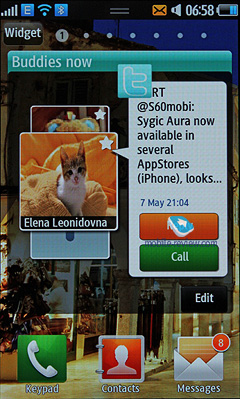
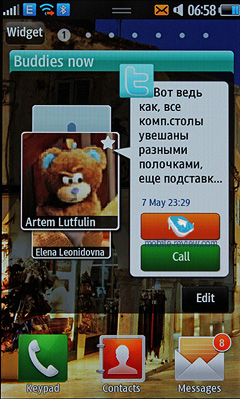
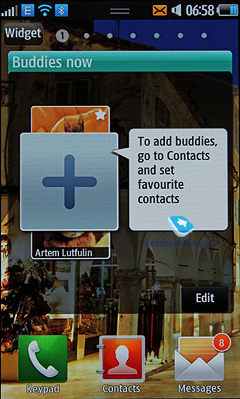
Buddies Now displays the contacts from your favorites list; each of them can be immediately sent a message or called. You also get updates about their network activity – e.g. Twitter and Facebook. By clicking a message, you will see the most recent correspondence with a particular person in the address book, which is simple yet handy. I recommend you to pick up to 10 contacts to make your life and communications easier.
Most Visited keeps track of your browsing history and allows you to open your favorite pages right from the main screen.
Help is a basic interactive user guide for the phone, a cute one.
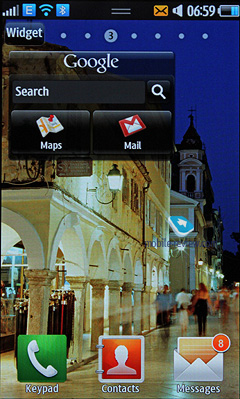
Google provides you with instant access to the e-mail, maps and search.
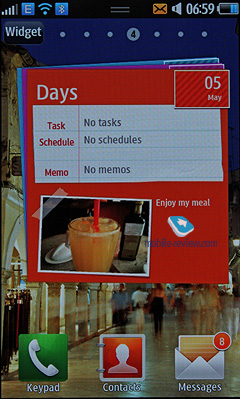
Days is a widget from Mini Diary, which we will talk about later. It shows the most recent notes as well as your agenda for a particular day, and sports a beautiful interface.
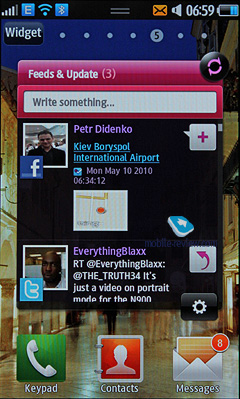
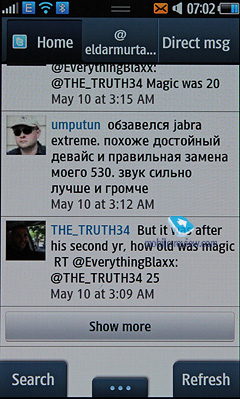
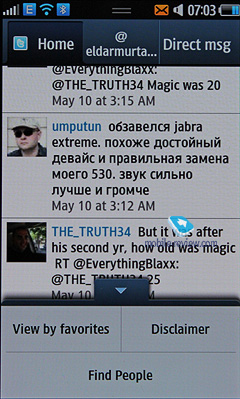
Feeds&Update complies the list of the latest Facebook and Twitter updates. You can immediately reply to any message or have it reposted. The applet is very handy and renders all other practically useless. That is especially true for the built-in Twitter client that has a limitation on the number of messages to download (from 5 to 8), which is somewhat irritating, as you have to do some extra "Show more" clicking.
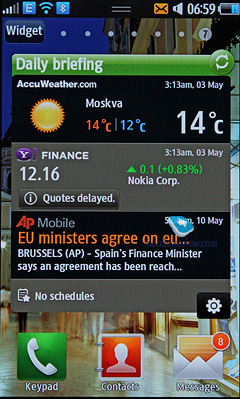
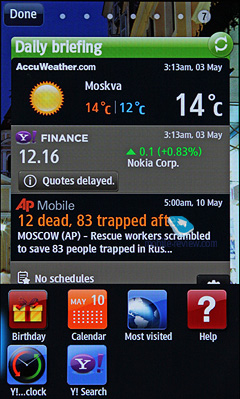
Daily Briefing is another standard application, which can, however, display not only your agenda but also news and financial reports from a number of companies of your choice.
There is no need to discuss another ten some default widgets. Those are simple and easy to understand, like accessing your e-mail accounts or ability to quickly create a new message.
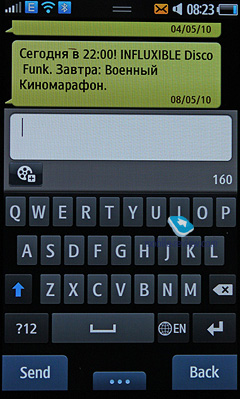
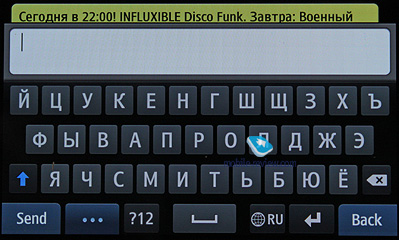
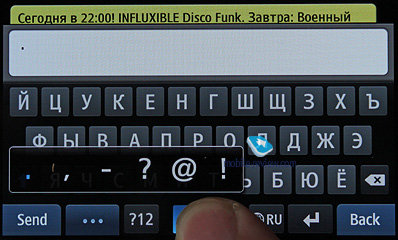
As the default text input option you have a mini-QWERTY keyboard. The button size is good and the typing errors are minimal. A series of special characters are assigned to the spacebar, which needs to be pressed if you are going for the dot or coma, etc. If you can type fast, you should like the realization.
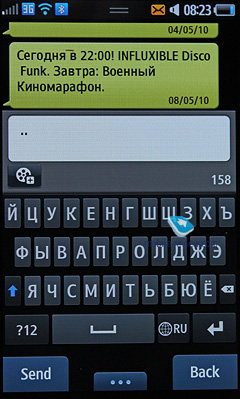
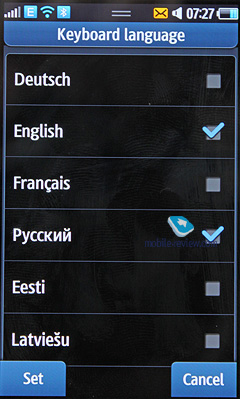
The phone allows you to enable any number of languages, including those for text input, on the first run. The keyboard layouts go one after the other in a cyclical order and can be switched back and forth with a single tap. The default layout is selected by the user and is followed by the English one and then the rest.
There are no complaints about the built-in T9, which provides you with word suggestions when typing. However, the mode is not that useful if you have a QWERTY keyboard, and as such, is off by default.
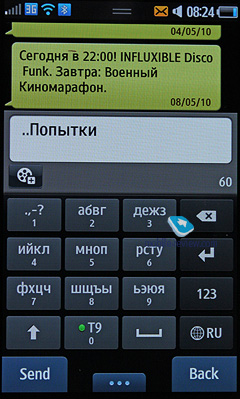
If you experience nostalgia for the regular alphanumeric keypad, you can still have it. With the number keys and extra letter inscriptions, it is a very good imitation of the regular phone. You will need more than one button press for most letters, though.
Handwriting recognition is at your disposal, too. It works both in the fullscreen mode and as a pop-up menu.
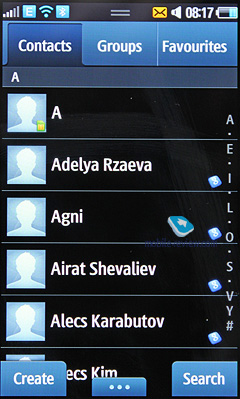
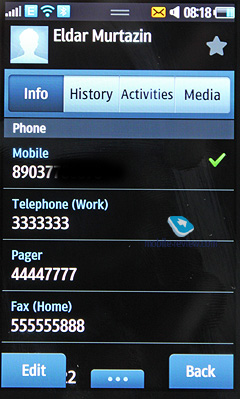
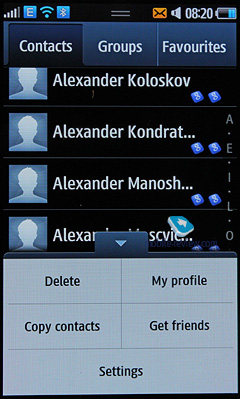
You can activate contacts from the quick launch bar in the lower part of the screen: you see the list with all entries from the phone's memory and the SIM card. There are tabs here; the first one represents the general list and the second shows groups of contacts followed by the favorites.
You can customize the phone for a lefthander and the slider will be on the right then. The list contains only names and to the left you have a contact photo. To view the contact details it should be opened.
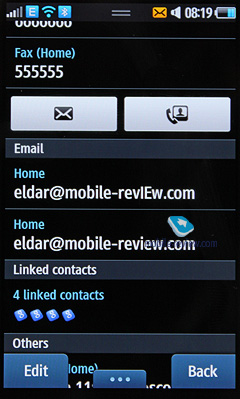
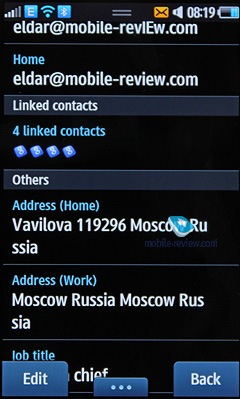
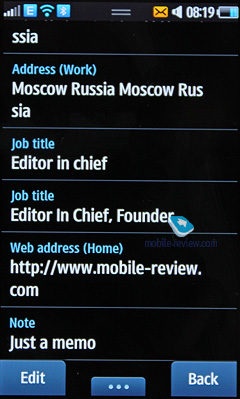
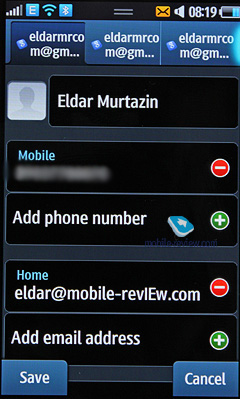
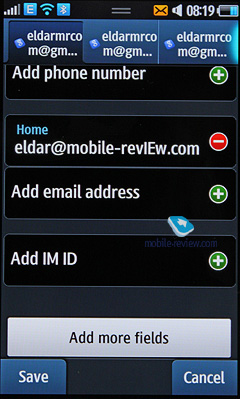
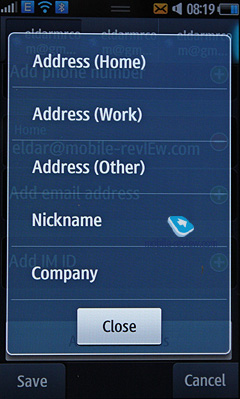
Any graphic file, a picture or video can be used as a contact photo. For each contact you can record up to 5 phone numbers of different types (mobile, work, home, fax, etc) and one of them will be main (by default the first chosen will get this status). The fields are not limited. From the phone menu you can introduce additional fields, for example, an e-mail, address and so on.
The phone has two fields for name and family name (only the first field is searchable), which are displayed together. The field Name comes first. For example, Eldar Murtazin appears precisely in this way. The length of each field equals 20 symbols, for every supported language. During the name input you can interchange different languages.
The entries in different languages are sorted in the following order: first come all contacts in the local language (let's say, Russian) and then all contacts in English. It is quite convenient and common for computer software. Taking into account the possibility to switch languages during the search it is clear that entries in different languages can be easily handled in this phone. The sorting by name or family name is supported as well.
Let's go back to the contact entry. Apart from the phone numbers you can add an e-mail (more than one) or a short text note. Any sound file, including an mp3 track can be selected as a ringtone for a particular contact. You can create the necessary number of groups at ease, select a ringtone and picture for every group (by default you have three groups and "without group" option). For SMS you can also select a melody.
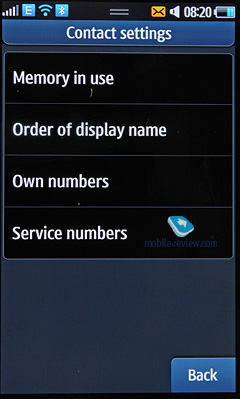
The phone memory hosts up to 2000 entries with completed fields. If you don't complete all fields the number of entries remains the same. In the settings you can select the default destination of all new phone numbers. The transfer of entries from SIM card and back is available. The developers decided that the best synchronization option is the use of PC, in particular, MS Outlook. Any entry can be quickly sent to another device as SMS/MMS, e-mail or via Bluetooth. There are no problems with such a transfer and phonebook entries are moved to other devices without problems. Their recognition is not an issue either.
You can create a business card in the phone. Its format completely corresponds with an ordinary phonebook entry.
Quick Dial List contains up to 12 phone numbers and also several numbers of one contact can be added here. Buttons get the notes in the form of the selected contact or photo, but not the phone number type.
Any number of contacts groups can be created. Each group can be assigned a picture and a ringtone. A group hosts up to 20 contacts.
During the incoming call a picture takes up to 50% of the screen and is well visible.
You can choose a separate vibro type (5 types available) for each contact.
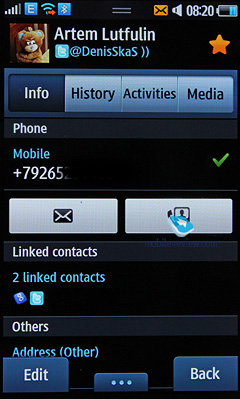
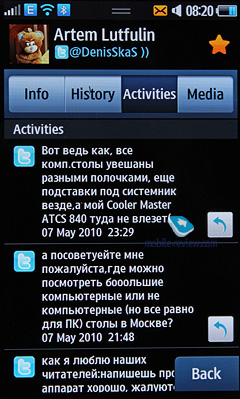
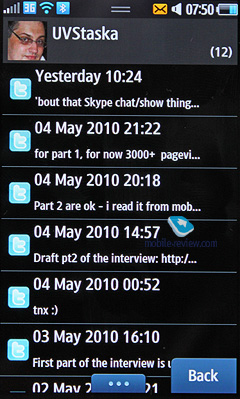
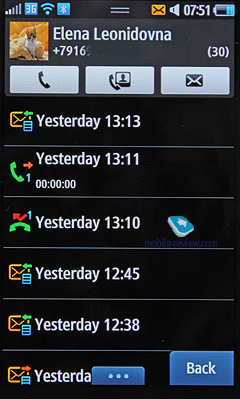
This model differs from its predecessors that while viewing a contact you see 4 tabs at a time. If the first one has all info on the contact the second is called "History" with all messages, calls, etc. Then comes the tab "Activities" with all associated social services, for example an account and entries in Twitter/Facebook. It is very convenient to view everything in one place./p>
The last tab is called "Media", which shows the caller's files from Flickr and other social networks. We saw a similar feature in HTC Sense and here we have the same level of convenience.
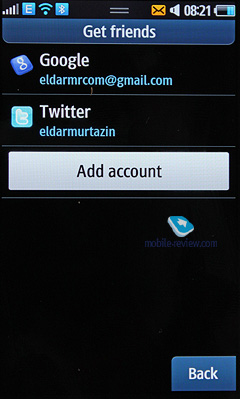
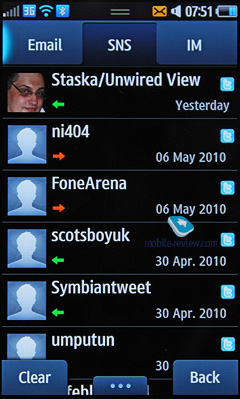
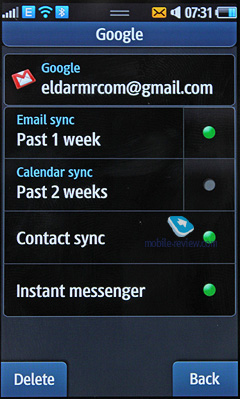
If you have a Gmail account, which contains your contacts, you can assign synchronization with it. All contacts received this way will have a particular symbol. Synchronization is also available for Facebook and Twitter contacts (from websites to the phone), though you cannot select all contacts. You just have to correlate the required contact with the name from the phonebook and in "Activities" you will see all entries of a contact in the abovementioned social networks. This feature works perfectly and is easy to use. You can answer a contact from there as well.
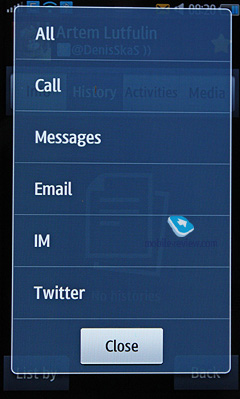
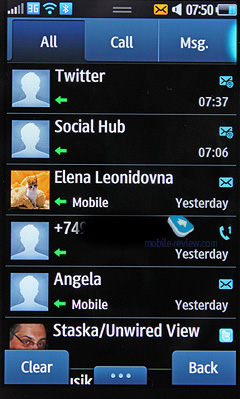
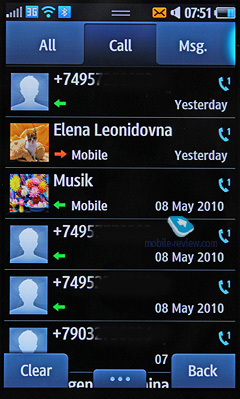
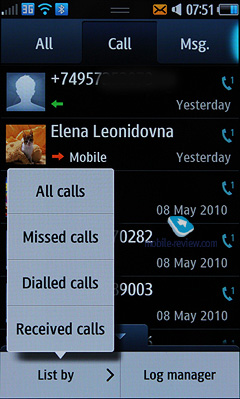
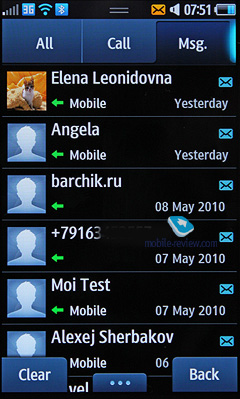
The general list has all events, including answers to you from Facebook, Twitter and other social networks, SMS/MMS/e-mail. I could not find any limitations for the list. It keeps up to 100 events without any problems. You can only go to the list of calls and from the menu you filter them by type – incoming, outgoing and missed.
You can quickly move from list to list. For a separate entry in a detailed view you can see the date and time of the call and other communication with the contact. All history is stored in one place. Identical calls are combined with the number of calls given opposite every phone number. Traditionally in this menu you can access the total duration of all calls and their cost (if the service is available).
For separate numbers the black list can be created to block the respective calls.
Similar to other manufacturers Samsung abandoned an artificial division of messages into SMS and MMS: you create a message and then depending on its content the message is considered as SMS or MMS. In the menu you have an option to turn a message into MMS in a compulsory way (when you need to send a text to an e-mail address and avoid the in-built mail client).
There is also a mode of messages view both in a classical way and as a chat. In the chat mode joint messages are not viewed completely. You have to select a message to read it in full, which is not always convenient. Thankfully, you can view SMS and MMS messages in the chat mode.
In the list the messages are sorted by date, name or frequency of message exchange.
The unique feature of the phone is an option to send a message at a stated time. After completing a message you can indicate a date and time to send it to your contact. I think this useful feature will be liked by many.
Text messages can be archived on a memory card.
The phone memory can store up to 1000 messages, the model supports EMS and works with Nokia Smart Messaging. When sending a message you are allowed to choose the contacts from the phonebook, the list of the latest used numbers and groups. Traditionally, you have an option to create a black list for all types of messages and all messages from the appropriate numbers will be deleted automatically. The messages can be moved to your folders. For e-mail the blocking targets not only particular addresses, but the topics as well.
MMS messages are limited to 295 KB, while the incoming messages have no size limitations. Among additional settings we can mention the blocking of ad messages, the type of message receiving in the roaming and in the home network. The messages are stored in the dynamic memory. The same applies to e-mail.
There is also a useful feature of SOS messages. Once activated in an emergency you just have to press a volume control button 4 times and the message "I am in emergency. Please help me" is sent to designated contacts and the incoming calls from these numbers after the message is sent are received automatically. Contacts phone numbers (no more than 5) and the number of times this message is sent can be adjusted, while the text remains the same.
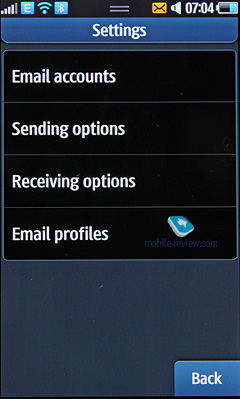
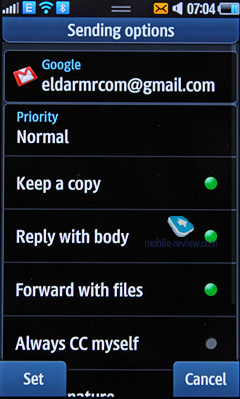
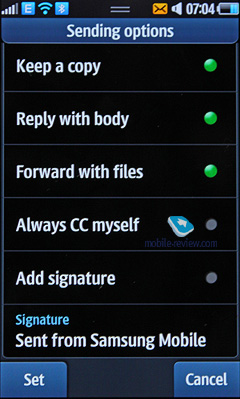
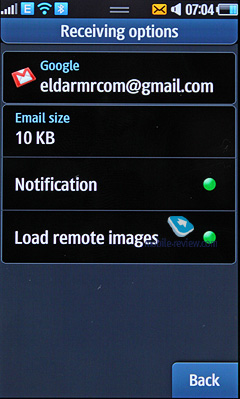
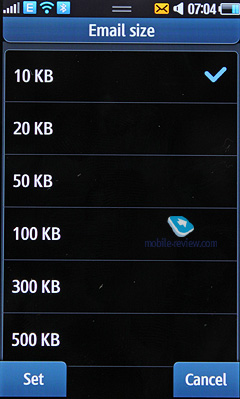
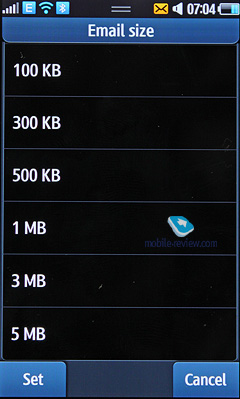
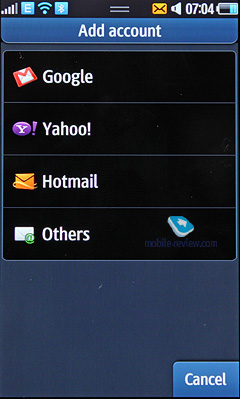
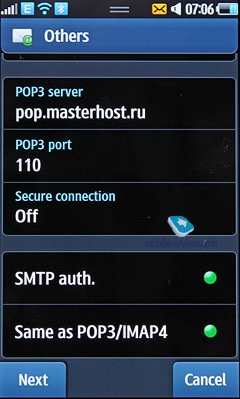
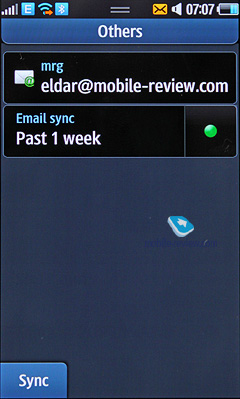
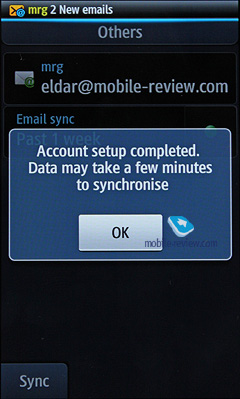
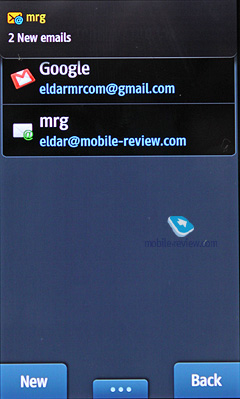
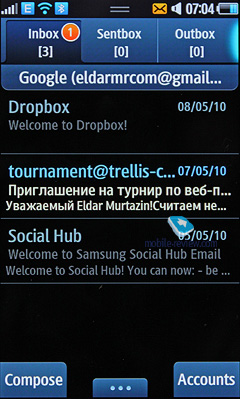
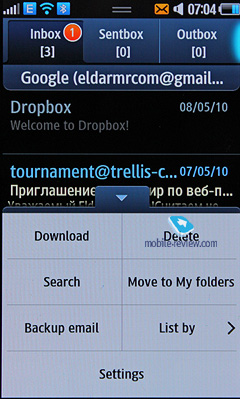
The in-built mail client is quite traditional without anything special. You can customize up to 5 accounts with the number of messages limited to 1000 for each account. Attachments are enabled with the size of no more than 1 MB for outgoing and 5 MB for incoming files. Received files can be viewed with the help of an in-built browser. HTML is supported as well, so the pages can be viewed without problems.
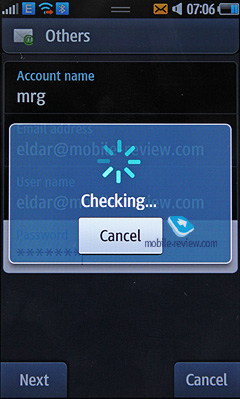
Installation wizard helps to customize the mail settings.
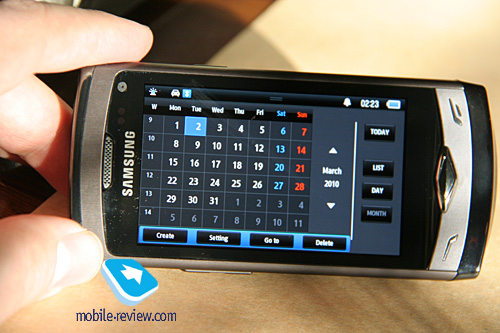
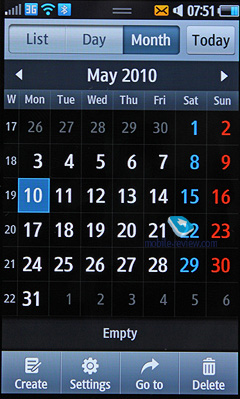
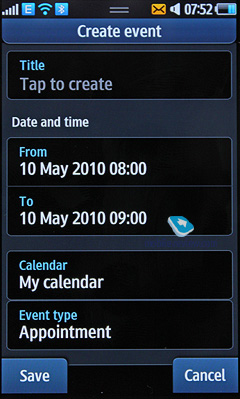
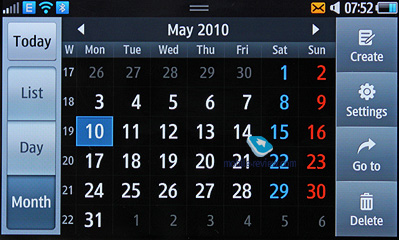
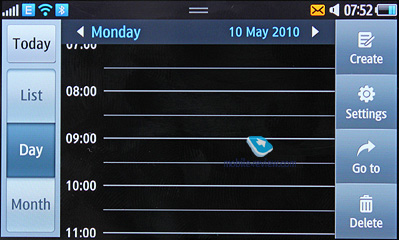
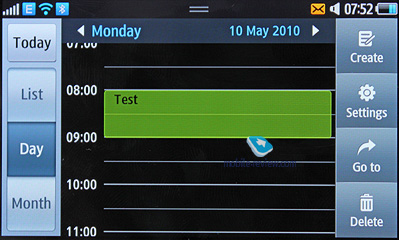
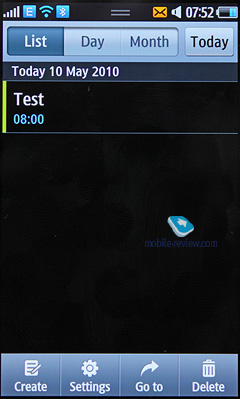
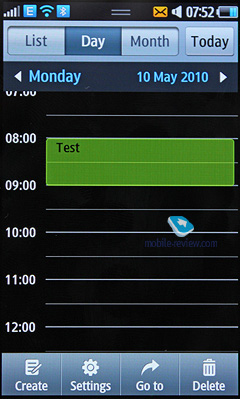
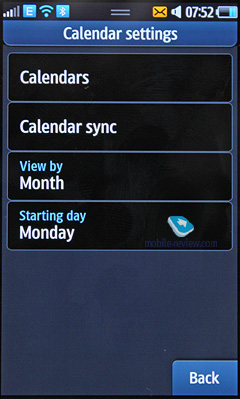
In the phone memory you can save up to 500 entries represented by one type of event – meeting. There are also up to 100 entries for anniversaries. Each entry can be assigned time and date and its end period. You can select a signal and an interval for events. Repeated events option is also available (you set a repeat period and exceptions, which is convenient). The calendar can be easily viewed for a month or a week. Each type of event has a particular color, so everything is quite visible. The calendar can be viewed both in album and portrait screen orientations.
Unfortunately, you cannot add an event just by clicking a day in the calendar and the view of three tasks for a day is also unavailable in the month mode.
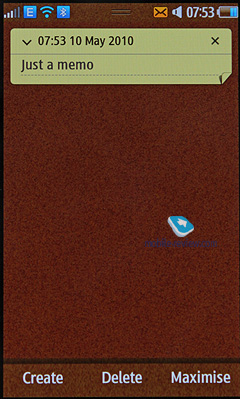
Text notes are nice looking.
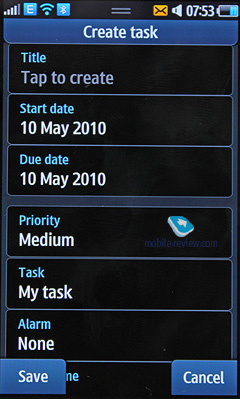
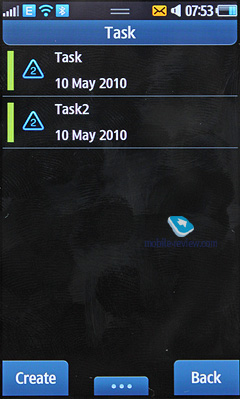
Tasks section keeps up to 100 objectives with priority to be set.
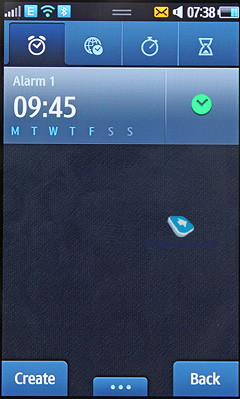
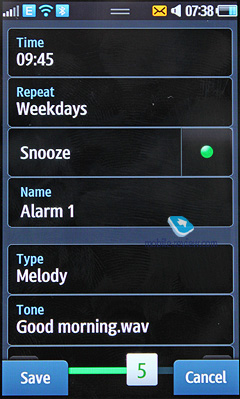
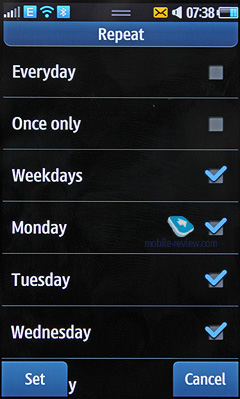
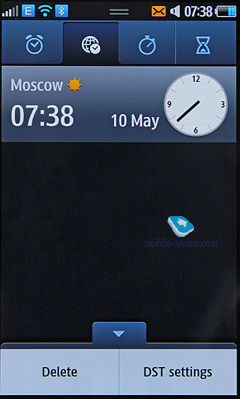
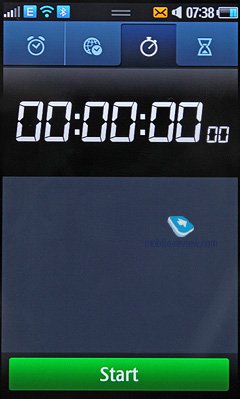
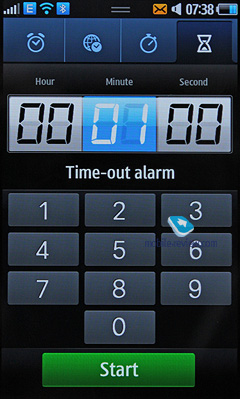
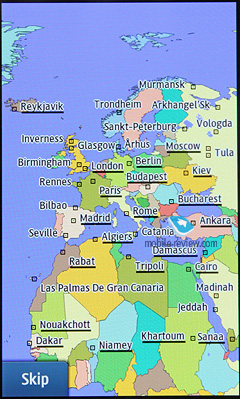
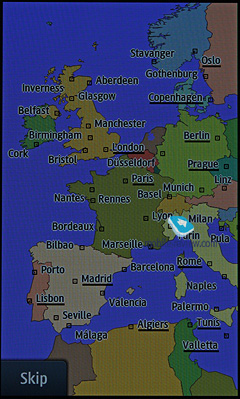
Time. Several functions are united here. There is world clock, which shows time for selected cities. Now we have a map where you can choose a time zone. Alarms, countdown timer and timer are available as well.
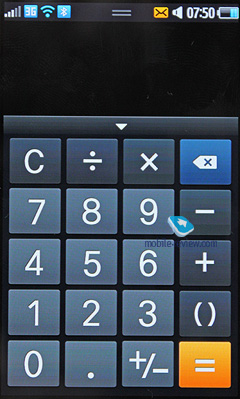
Calculator is very simple.
Converter transfers units of different measurement systems. The entire list is shown at once, which is useful.
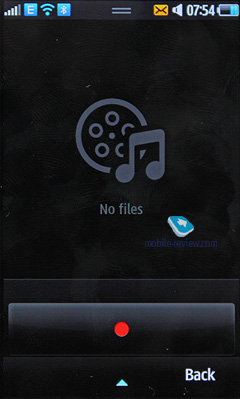
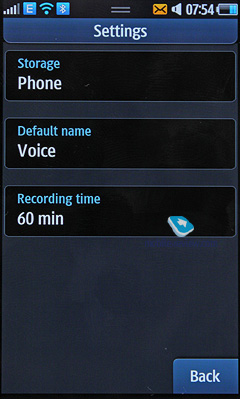
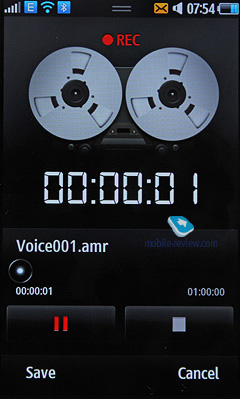
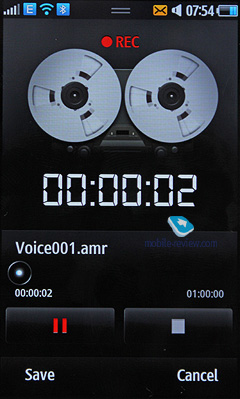
Dictaphone. You can record up to several hours of voice notes and the number of such notes is unlimited. In theory the length limitation can be chosen by a user and may equal 1 hour. In memory all notes are located in one folder. The recording quality during lectures and round table negotiations is decent. The notes can be transcribed afterwards. The model can be used as a digital dictaphone. It can be activated during the conversation.
Bluetooth. The utility looks unusual and you can view the devices map. As in file managers on computers you can go to an ordinary devices list. All features are supported, there are no limitations here.
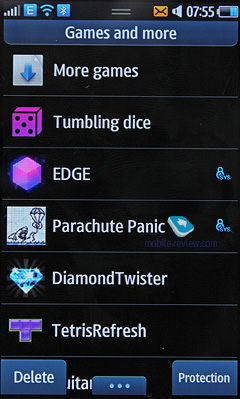
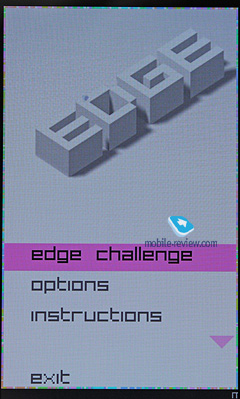
Games. For Java applications multitasking is supported. You can launch several applications and fold them down. The next activation of an app can be carried out from the list. The number of preinstalled games varies for different markets.
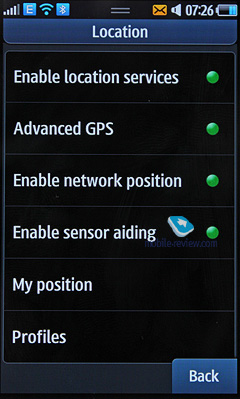
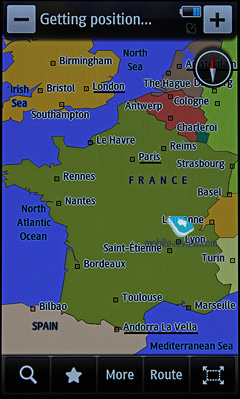
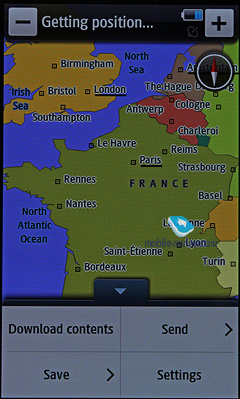
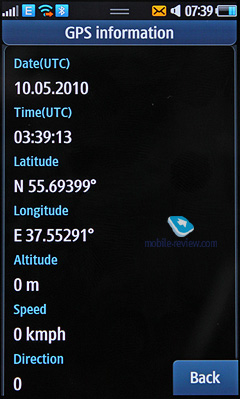
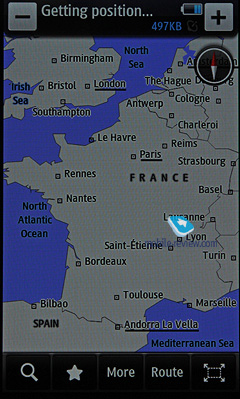
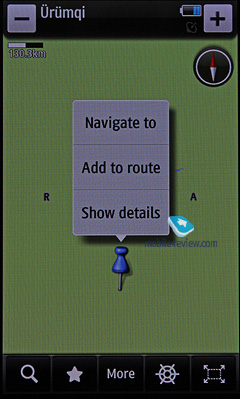
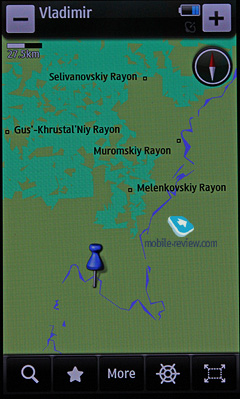
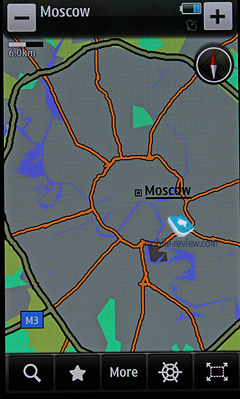
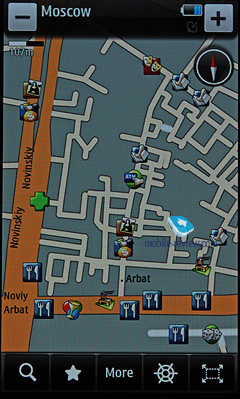
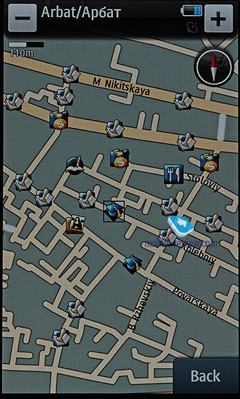
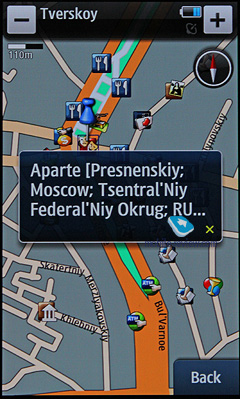
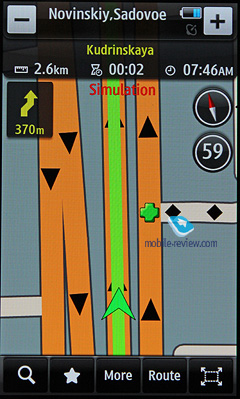
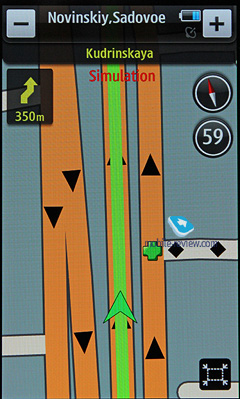
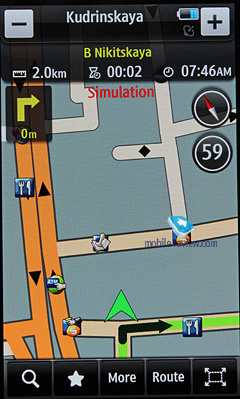
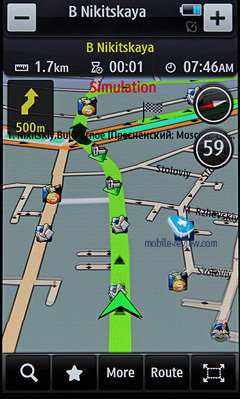
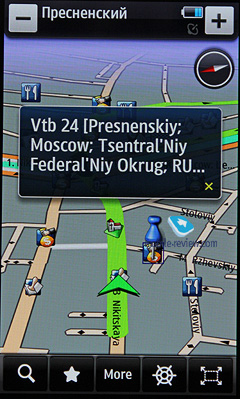
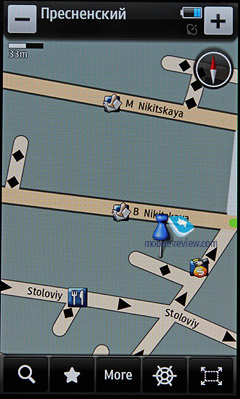
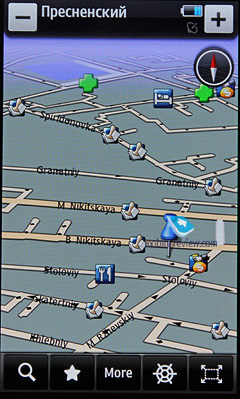
Google. In this section you have Google search. It is actually a browser, which provides access to Gmail, and a fully functional Google Maps (they may be absent from the commercial version because navigation software from Route 66 is preinstalled). Starting from the last point I have to say that the maps are quite common, but the screen resolution is a joy – it is convenient to view the map and scroll it by hand. All controls are on the screen. You can choose a view from the satellite mode or a simple map. Positioning on the base station works fine. I cannot say anything in particular here. Everything functions well. An in-built GPS receiver is also supported.
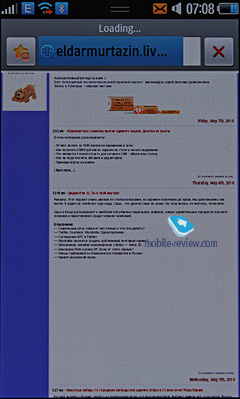
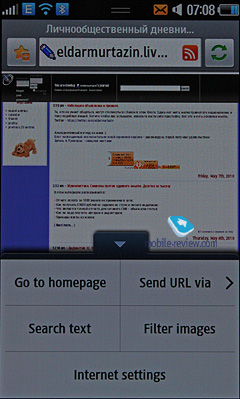
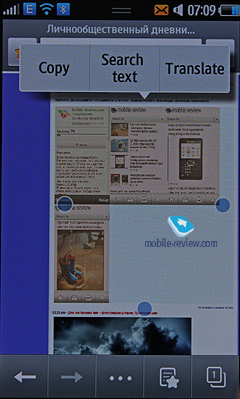
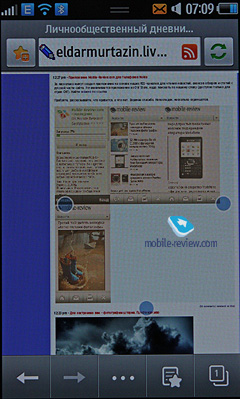
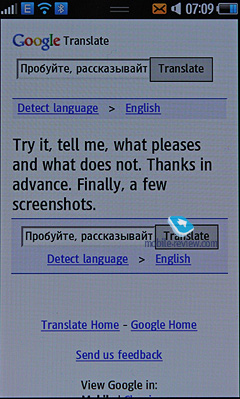
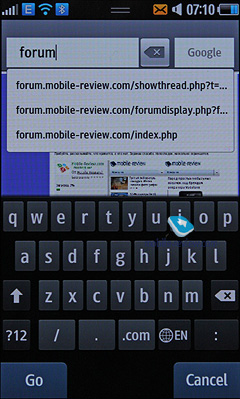
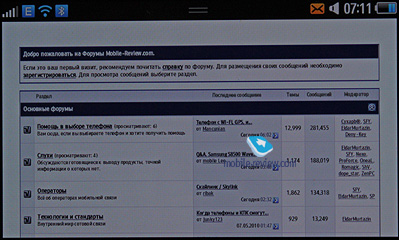
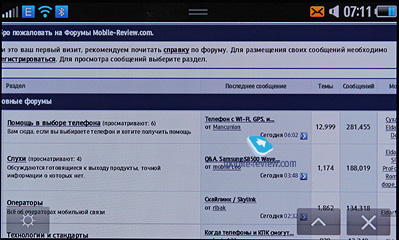
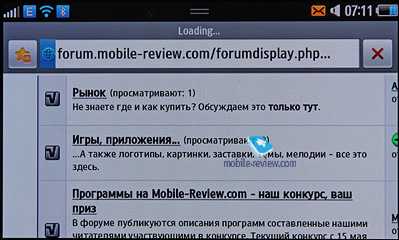
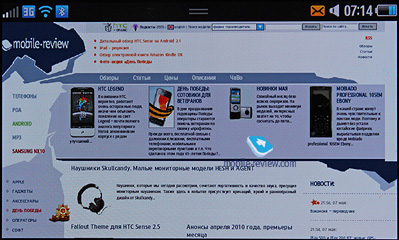
It is an offshoot of Jet built on webkit, but the version used here is 2.0 (The browser is called Dolfin). The difference from NetFront is startling: the user experience remains the same, but several unique features were added. For example, you can customize the brightness of the screen backlight from the browser itself. This has never been done in the past and it is really convenient if you work in the street. Flash support allows viewing all web resources without any restrictions (the question whether Flash support will stay, because it leads to the unstable performance of the browser, is under consideration now). This browser is also one of the first, which support s the standard ban on banner viewing. We tested this option on several websites and it worked well.
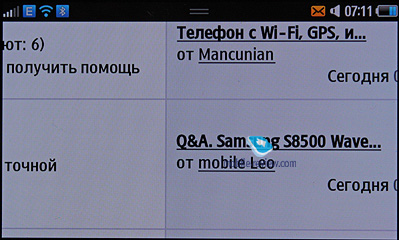
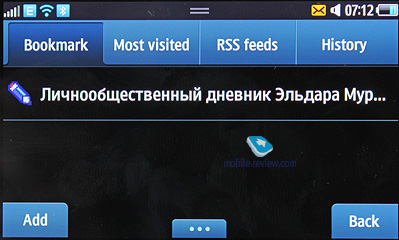
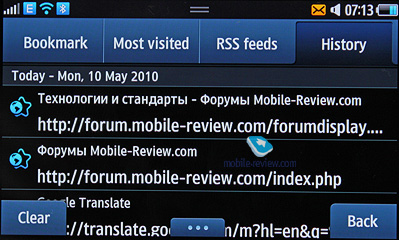
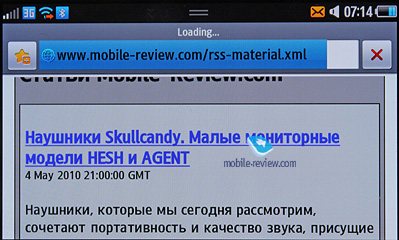
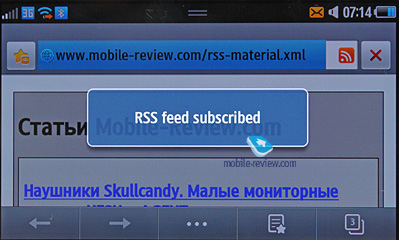
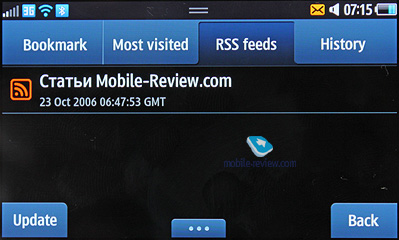
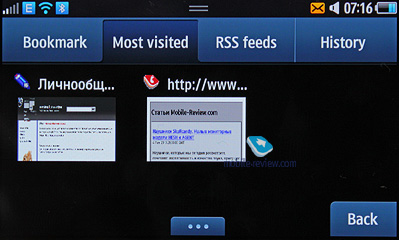
The browser supports RSS client and you can download feeds. The history of viewed pages is available as miniatures. The same applies to bookmarks. Scaling of up to x10 can be done by finger. The content of the website can be arranged in one table. The pictures can be filtered and you can search words on a page. Javascript and Flash are supported. You get a fully functional browser, which closely resembles the browser in Apple iPhone in terms of convenience. It is fast and high quality and the phone scores extra points here.
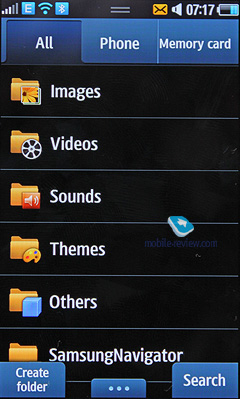
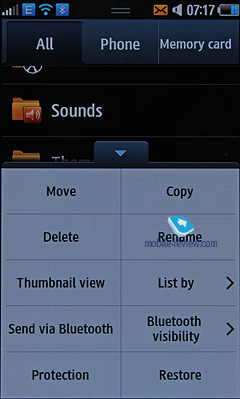
All files are collected here: music, pictures, video and sounds. All downloaded files get here first. One of the drawbacks is the fact that at times a file in the common list may not be visible straight away. You have to exit and open the list again.
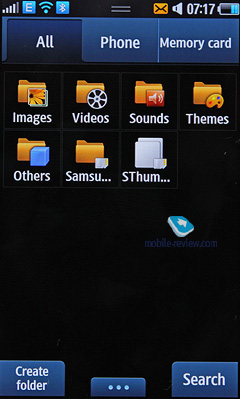
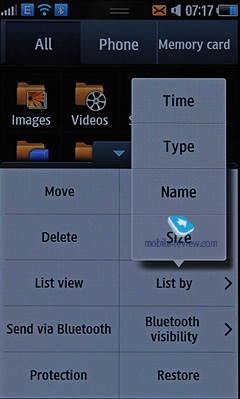
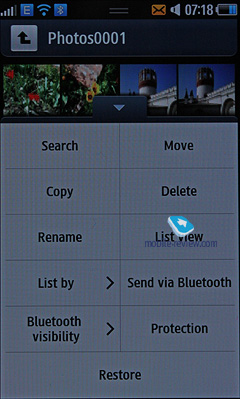
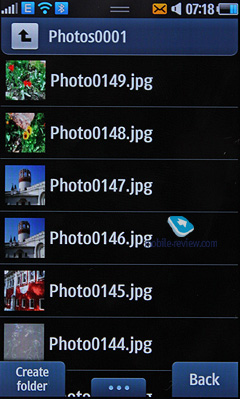
Files can be viewed as a list and as icons. Select one or several files from the list. The following operations with files are supported: copy, delete and transfer (phone memory – memory card). The files can be sorted by time, type, name and size. The general list shows files from 2 types of memory by default.
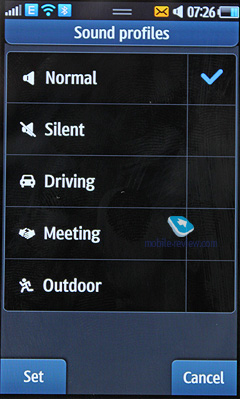
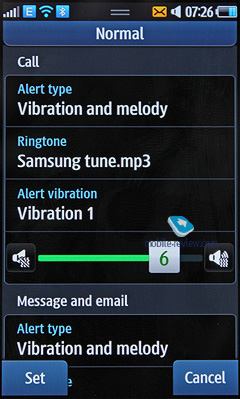
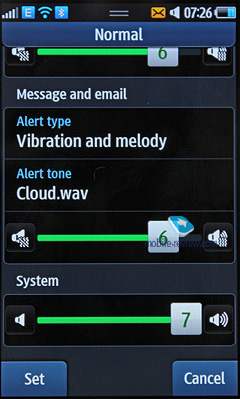
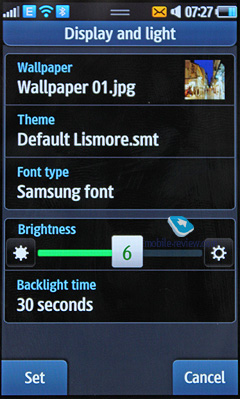
Traditionally you can protect any section of the phone by a password. The period of screen backlight on and its brightness are set individually. There are no special or unusual settings in the phone. There is a package of different wallpapers. The profiles are supported and they help to change the phone's settings.
As always you can customize the fonts size, its color and style during calling.
You can set the power of vibration for VibeZ.
The phone supports TV Out.
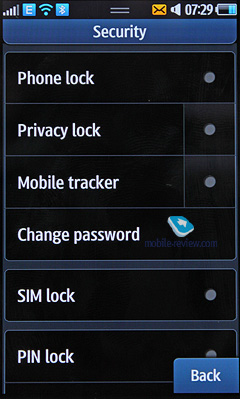
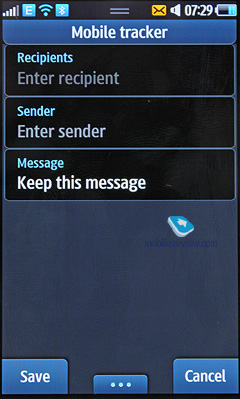
In Mobile Tracker you indicate the mobile number, where the messages will be sent when you change your SIM card. In the received message you will see the number of SIM in your phone. You can enter here only if you know the password, which protects from switching off information sharing if you don't know the password. When you insert a new SIM card the message is sent only once. Every card change triggers new message. It is a useful option, which somehow helps to locate a stolen phone.
Picsel Viewer can be briefly described as an application to open MS Office files (for example, MS Word, Excel and PowerPoint), Adobe Acrobat (PDF), graphic and video formats on the phone. The beauty of technology is in its speed: the opening of a 20 MB PDF file takes several seconds and then you can easily scroll the pages, scale them, and move them any way you like. The files cannot be edited, only viewing is possible, which is often enough, especially if you take into account the fact that you don't have to convert the files for a mobile device.
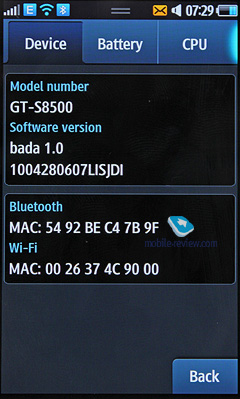
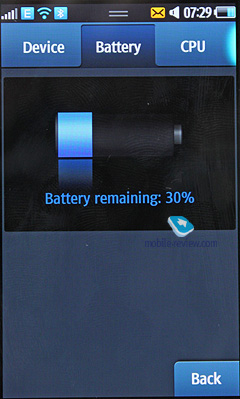
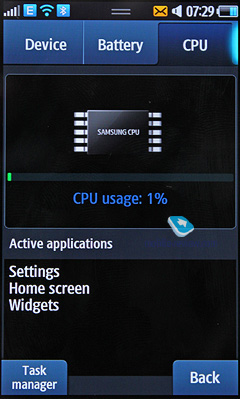
System Manager (in the phone section). This utility was obviously borrowed from Android, but its functionality is very low at the moment. It shows the processor load, activities and battery charge level. There is no particular use in this app as it cannot uninstall particular applications. It seems that something will be done in this respect soon.
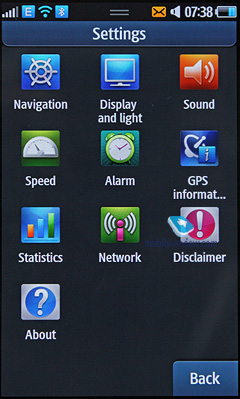
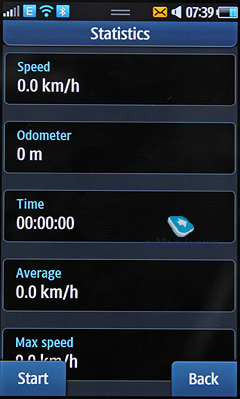
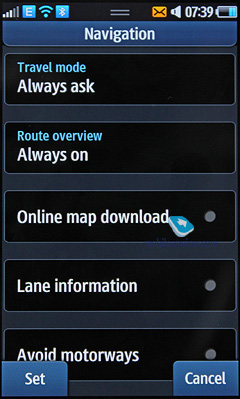
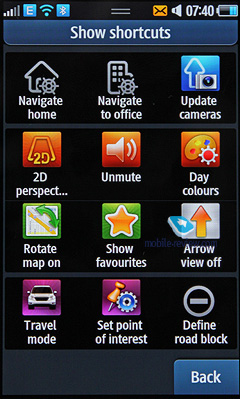
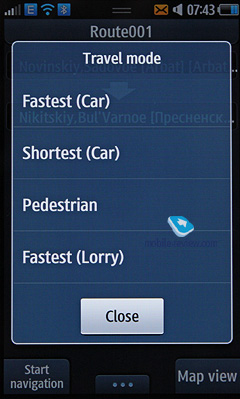
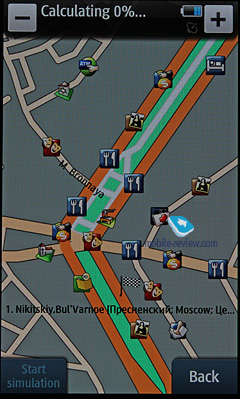
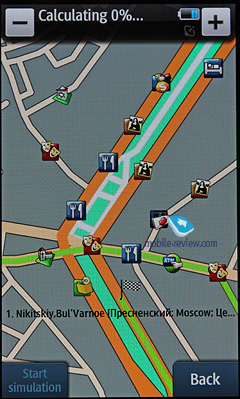
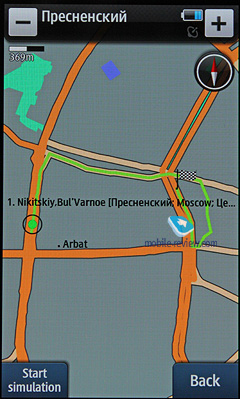
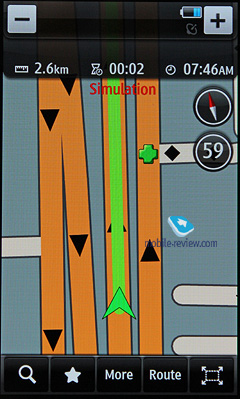
Navigation offers Route66. This fully functional application for turn by turn navigation features voice tips and other similar options. This application is standard and I doubt that many people will pay for its full version. The users of the model will not regard the navigation as the key option anyway. Some people will find it useful though.
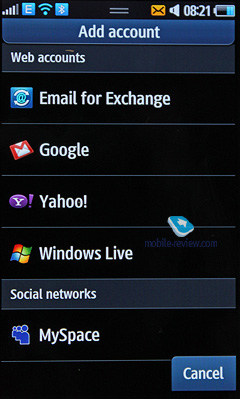
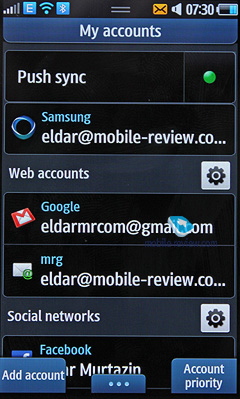
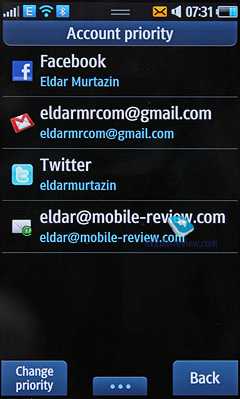
"My accounts" is the only place for all social networks accounts united by Bada account, which also gives access to the store.
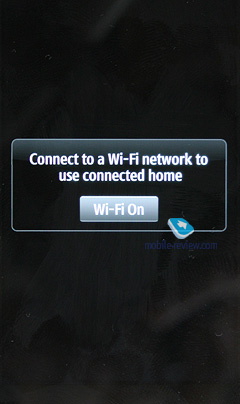
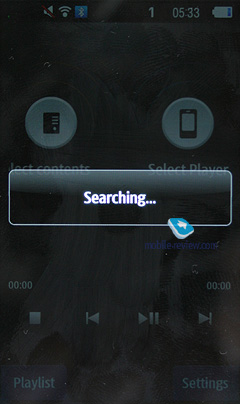
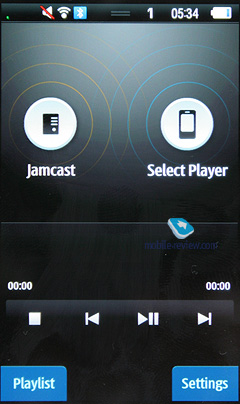
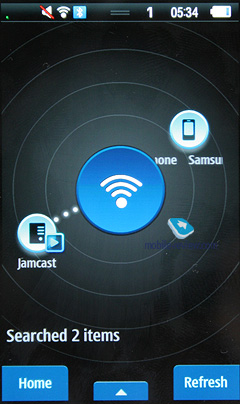
Allshare is a utility based on uPnP and it allows downloading files from other devices through WiFi. For example, when I installed server software on my notebook I could move music, podcasts and video on my phone. Everything works well and this feature is new for S8500 models, though it featured prominently in various Nokia S60 models.
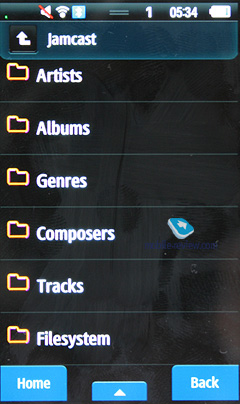
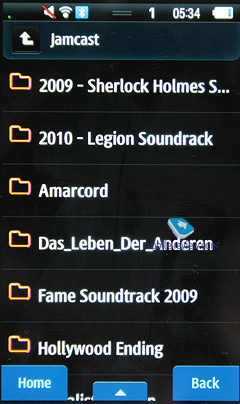
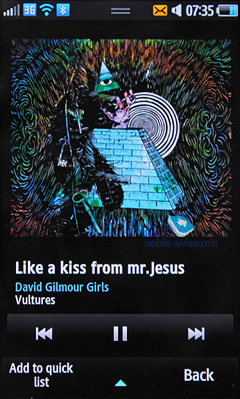
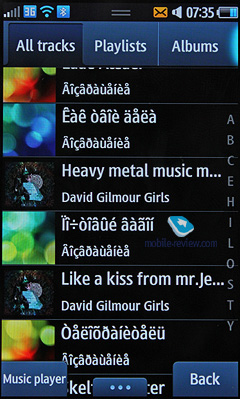
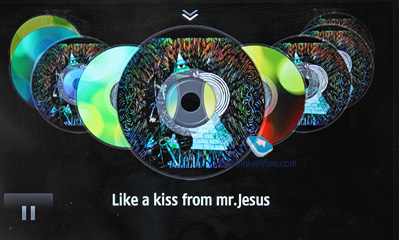
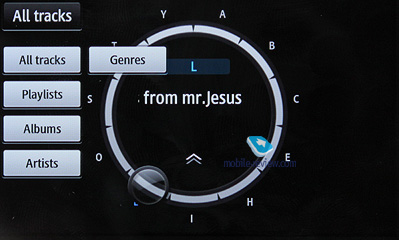
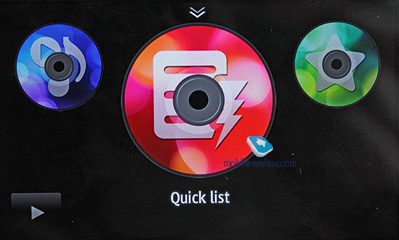
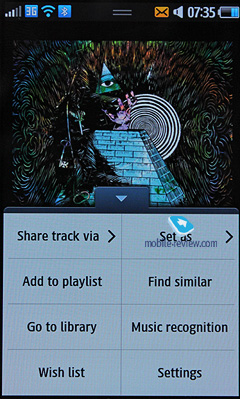
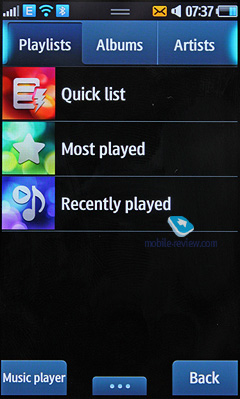
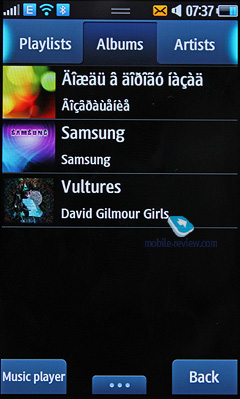
The player was thoroughly reworked and it now features Disk UI as its core component. The interface should resemble a CD or a control dial. If it is some sort of a vernier must be decided by users. When you open the music player in a standard screen orientation you see the All tracks list and by scrolling the headlines horizontally you access the playlists (your lists and automatically created – frequently played, quick list and recently played). In the same place you have a filter by performers and albums. In both cases you don't have to look at the titles and choose the covers option. Here I have to mention that Samsung adds its own default cover to albums without original ones. It is a bit confusing as the interface gets extremely flashy. Unfortunately, S8500 does not have a feature of searching for track covers, but it is promised in future, hopefully closer to the commercial release of the model.
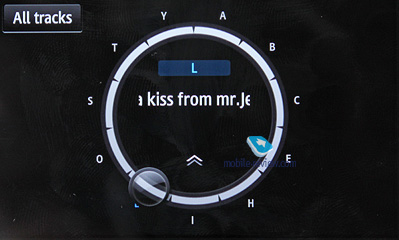
The in-built search helps to find a performer in the lists or a track by letter. For any track you can use an option called "Find similar". The handset gives names of performers and tracks, which you can add to your wish list. For the majority of countries the music shop from Samsung will not be available when S8500 hits the shelves, so the download of a ringtone fragment and the purchase of music are not supported. Initially this functionality is available, but it has been blocked in the player.
Now let's speak about the horizontal mode of the player. Turn the phone around and you see a carousel of disks. It resembles the cover mode in other models. For example, Samsung Jet features something related. Choose the right disk and you see the tracks list, choose the one you need and press play. This is not all for the mode. If you drag the screen with covers down you will see the circle where you can search performers, tracks and albums by letters. The operation is convenient and it is really invaluable if you have many tracks. On the video you can watch how it works.
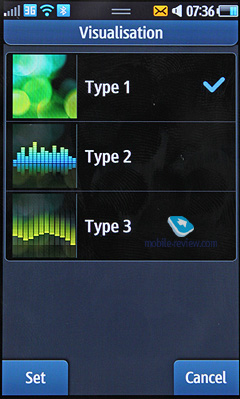
The player looks have 2 variants – with the album cover or the equalizer. I prefer the first variant, because the second one is really too flashy. As to the rest the player is standard for Samsung. Let's look at its characteristics.
It supports random, consecutive and cycle tracks playback. You can download mp3 files directly via Bluetooth or with the help of the synchronization app or through Windows Media Player. Files can have any name or tag, including the ones in Russian. The phone reads them well. Files bitrate is not very important and the model understands all popular formats. WMA, AAC, eAAC and eAAC+ are also supported.
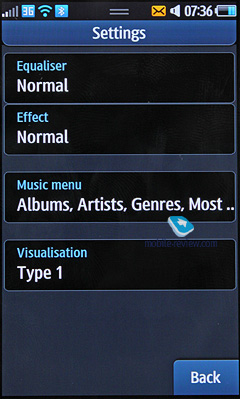
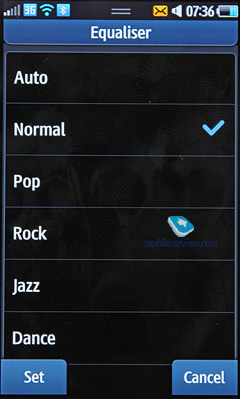
During the playback you see the name of the current track and the overall number of tracks. There is an equalizer, but it cannot be customized. The playback is possible with the stereo headset or in a hands free mode. 14 levels are available for volume. Users may create their own playlists. The player works in the background mode. At least the screen shows tracks titles and tips for controls, which is convenient.
In the standby mode with the player folded only its controls and the title track are displayed.
In the speakerphone mode the sound is not clear enough as the power capacity is weak, though the volume is loud and the phone is heard well.
The quality of music playback with headphones is good. Among music models I like this one the most, which may be influenced by the fact that I like the model itself and it spreads to its music part as well.
To listen to the music via the headset you can use 5.1 Surround mode, which is an equalizer to make the sound more surrounding. It is an analogue and a rival for Dolby Mobile.
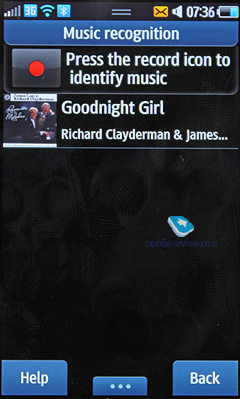
Find Music (earlier known as Music Recognition) is similar to TrackID from Sony Ericsson. The recorded fragment is used to identify a performer and a song. This app has a better choice of Russian musicians to choose from and this way beats TrackID.
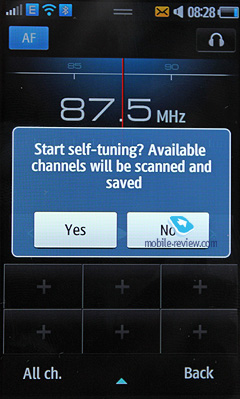
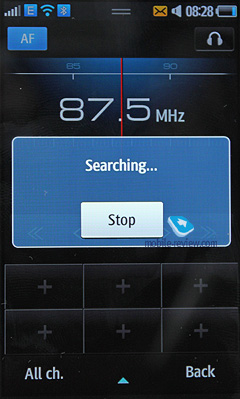
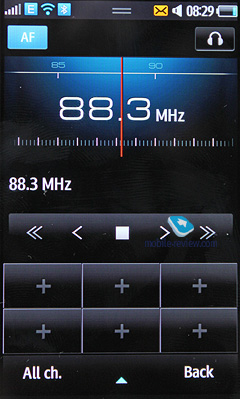
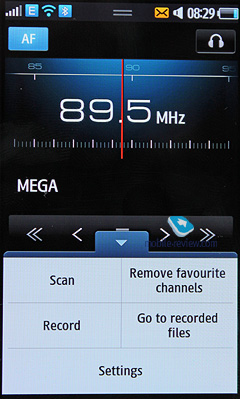
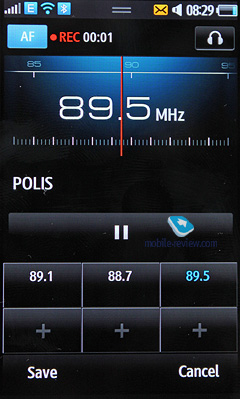
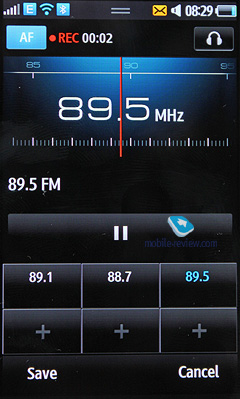
FM radio. The phone memory stores up to 99 radio stations with the frequencies ranging from 87.5 to 108 MHz. Automatic tuning of all stations is available, but separate channels cannot be given particular names and are always displayed with the frequency and numbers. Radio also works in a speakerphone mode. Radio works normally and if not all stations can be received in general everything is arranged well and is comparable with other models from rival manufacturers. Radio also works in the background mode.
RDS feature shows not only the station title in the general list above, but displays other information as well. Radio shows can be recorded in the phone memory.
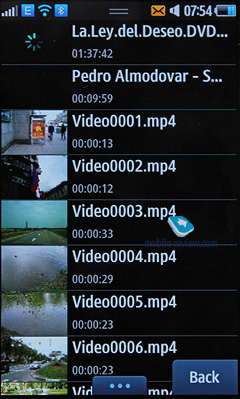
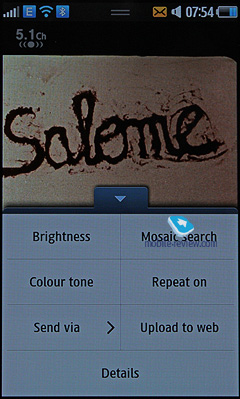
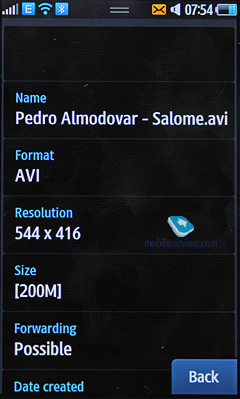
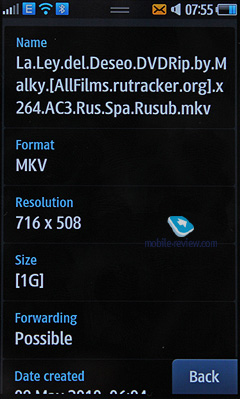
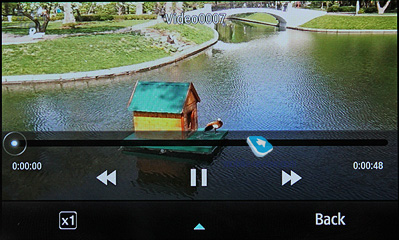
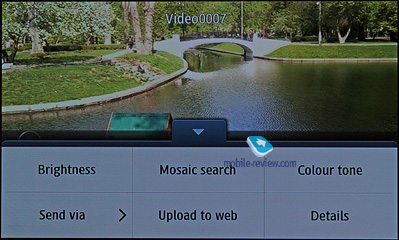
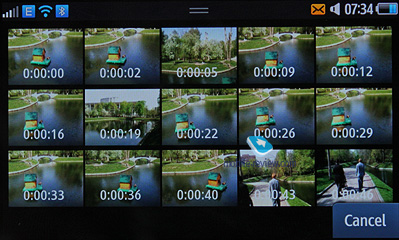
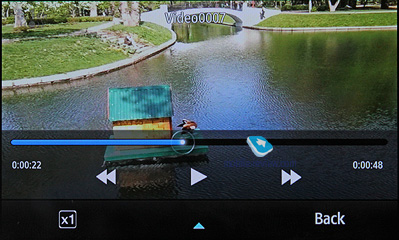
Can you invent anything new in video playback? Samsung implemented here one of the features from its players, for example, YP-P3. This is mosaic search inside the video piece. You choose the type of search (16 or 32 images) and then the phone cuts the file into equal parts and shows the shot and its time. You can go to the necessary fragment with one touch. On DVDrip 1.3 GB the search in 32 images mode takes up to 10 seconds.
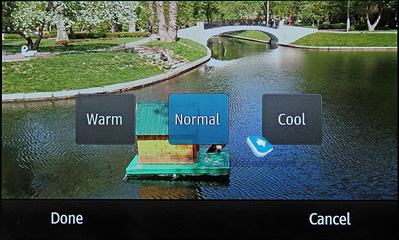
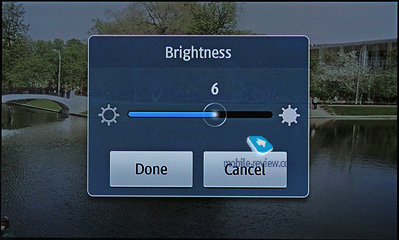
You can customize the screen brightness straight from the player and set the picture tone (cold or warm).
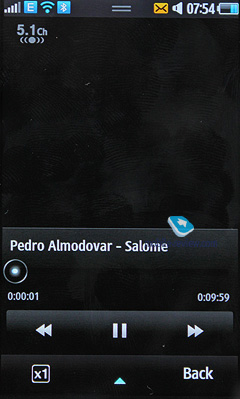
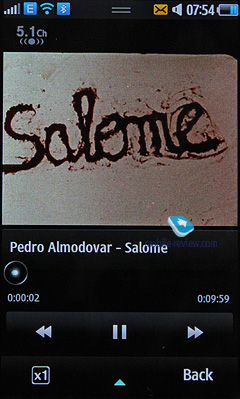
Other player features are standard: fast rewind x8; you can go to another fragment of the file by dragging the player slider and DNSe is also supported. The manufacturer claims HD video playback, but whether it is really necessary? The following formats are supported: MPEG4, H.263, H.264, WMV, DivX and XviD. Almost all files from network storage were played successfully.
Picture- wise the phone becomes one of the best players. The video can be scaled to fit the screen or is played in its original size (with black stripes on the sides).
In MKV files the subtitles are supported according to Samsung, but t is no clear how to activate them. We could not find the necessary settings.
Video editor. The application was changed and it now supports higher resolutions of 720x480 or 1280x720. Traditionally, you can add several audio tracks, video and the subtitles. It is not very necessary in a phone, but the feature is available.
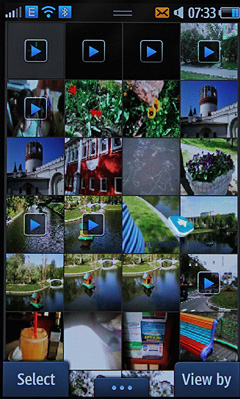
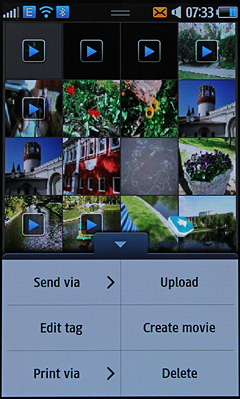
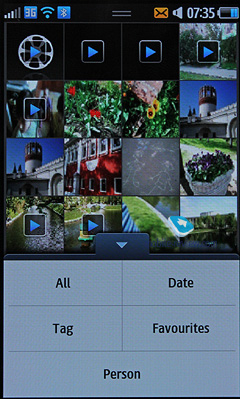
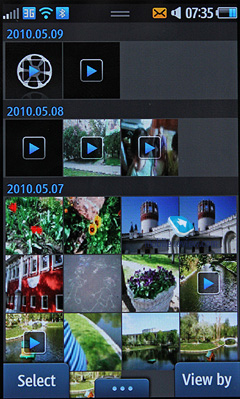
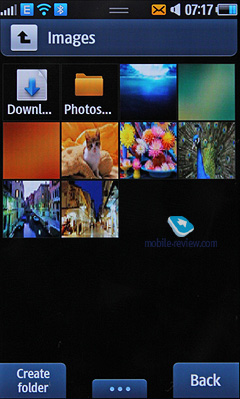
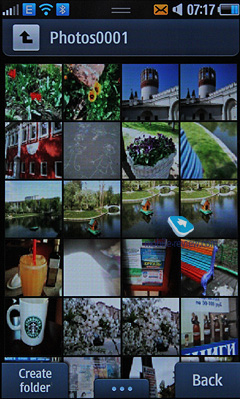
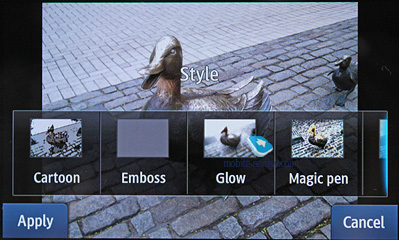
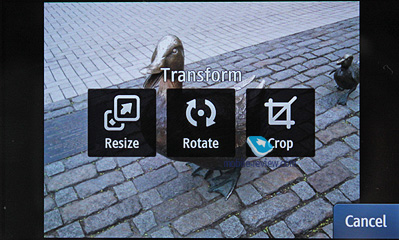
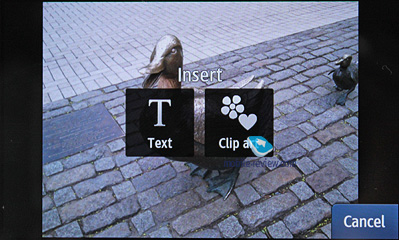
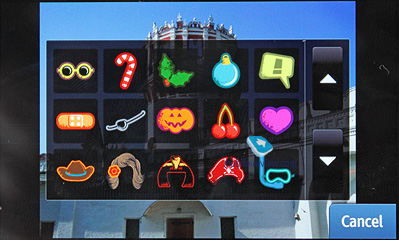
Pictures are displayed as miniatures; the list opens fast without any delays even if you have many photos and images. The list supports filters, so you can sort the pictures by tags, date or view only the favorites. New filter here is sorting by person. The gallery has an in-built face recognition and on separate pictures the phone can recognize a face and connect it with the phonebook contact (in our sample this option did not work, but we will test how it fares closer to the release date).
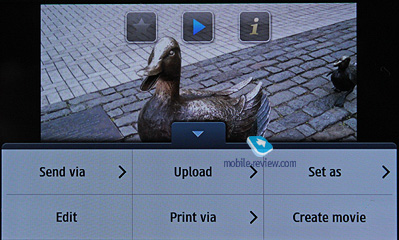
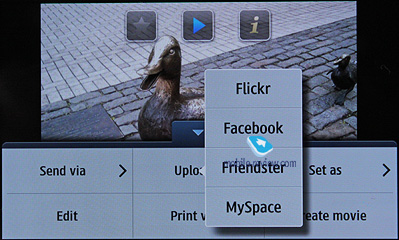
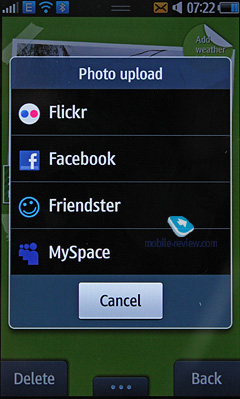
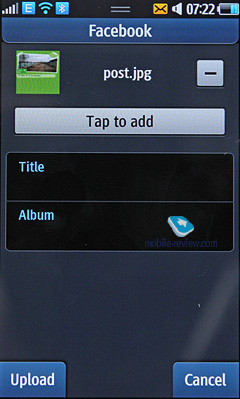
As always you can start a slideshow and send a picture to other devices in any way, including Bluetooth. Active users of social networks can instantly download a picture to a particular network.
One of the new options in the model is the possibility to create a Flash video from several images and this video can be assigned to a contact. Then during the call the picture will change and the music will play, if you choose it first.
Picture scaling is similar to Apple iPhone: multitouch moves of your fingers to the center or from the center enlarges or narrows the picture.
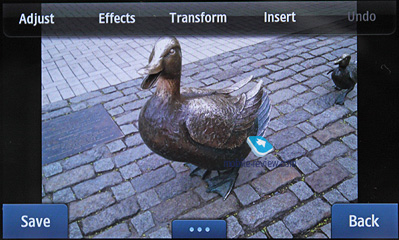
Dynamic Canvas is a simple graphics editor. I liked the possibility to save files in Flash, which shows an animated version of your drawing on screen. You can not only draw patterns as in Samsung Jet, but set a movement direction and choose animation effects.
Synchronization. New Samsung Kies is supported, but we will dedicate a separate article to it. This is an updated version of New PC Studio, which offers full features of synchronization. The model also supports Microsoft Exchange.
Voice dialing. Due to the unstable performance in prototypes the voice mail was unfortunately withdrawn.
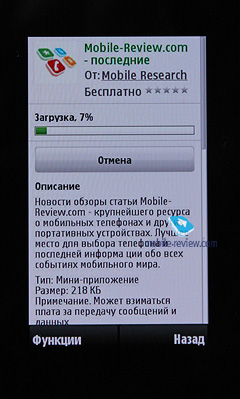
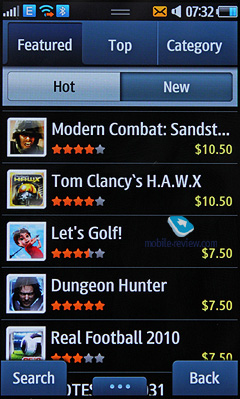
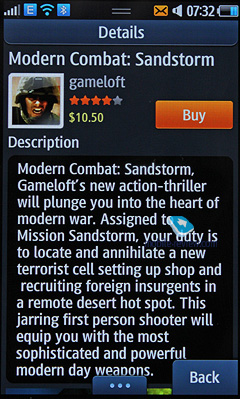
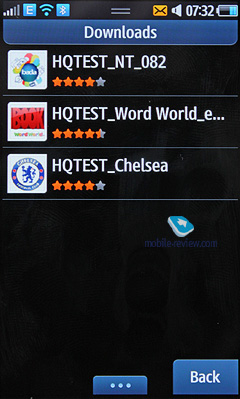
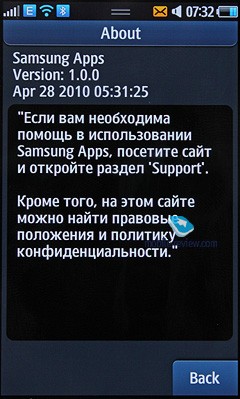
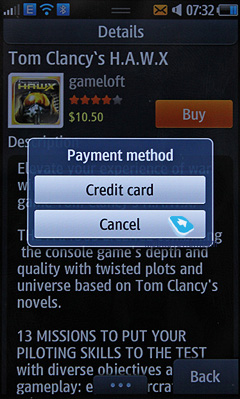
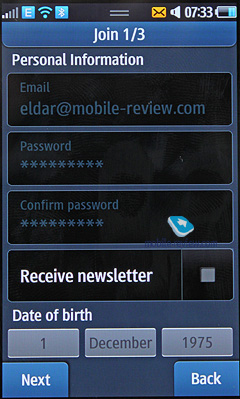
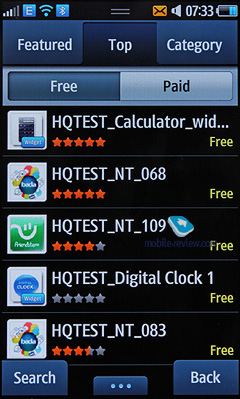
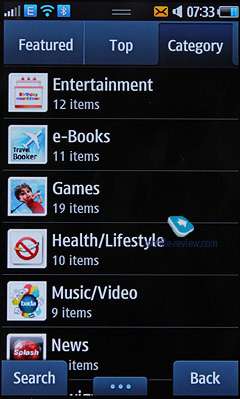
Applications Store from Samsung follows the pattern of Apple Store. All applications are classified by categories and there are lists of the most popular and free applications. The search by key words is also available. You sign in with the help of your Bada account. Those who do not plan to buy applications do not have to provide the details of a credit card, while others will need it. To sign in you enter a password as in Apple App Store. There is also a similarity in the fact that after the download starts the phone shows its menu and an app icon with the download process (as if you add water to an app icon – the animation is nice).
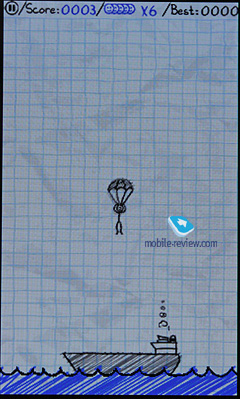
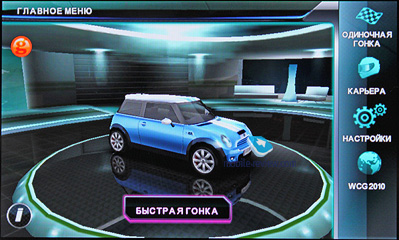
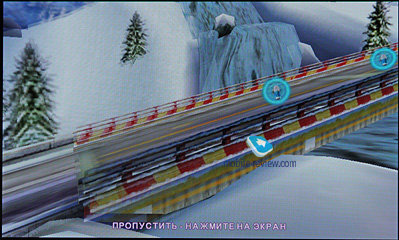
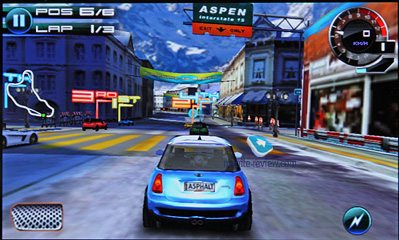
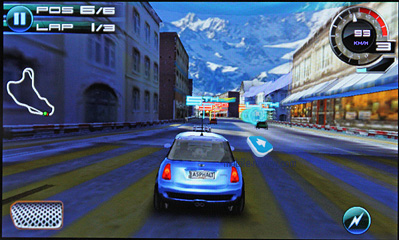
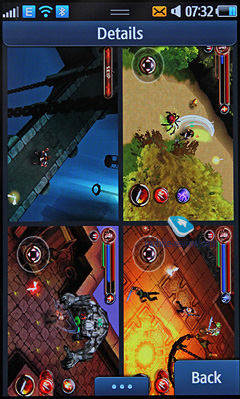
The main question is the number of applications available for Bada from its start. I think there will be around 100 apps and the majority of them were ordered by Samsung to display the platform features. By default you get one game for Bada to show off the quality of graphics and the convenience of gaming. Other games will have to be purchased (I mean high quality and famous ones).Unfortunately, at the moment the price of such games is $ 7-10, which is not very attractive. On the other hand, there are many free games and apps, but they are too simple. These are children's books, e-readers, etc. It is too early to speak about the pricing policy and the number of applications in Samsung store. Before the launch we still have around one month and lots of things can happen. From the beginning of May 10 new apps appear in the store every day and half of them are free. If the speed remains the same the store can be considered a success.
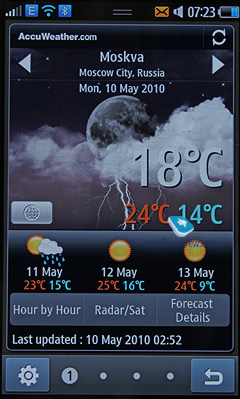
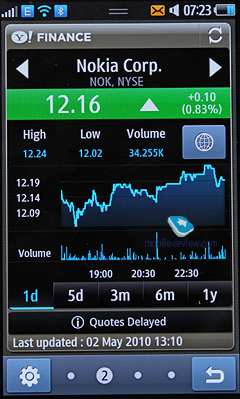
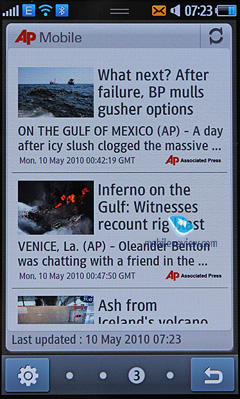
Daily Briefing. An app for weather in designated cities, financial indicators for selected companies, news from AP and your schedule. The application was developed by Samsung and it looks cool while working effectively as well.
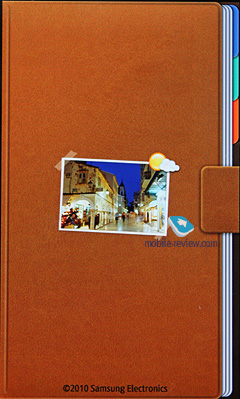
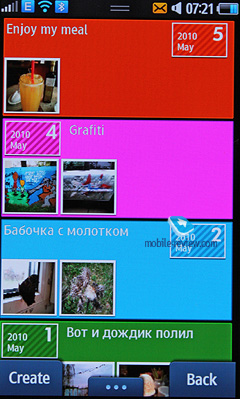
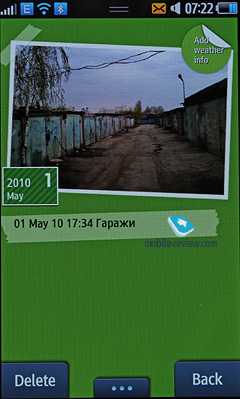
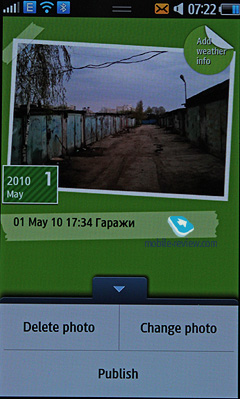
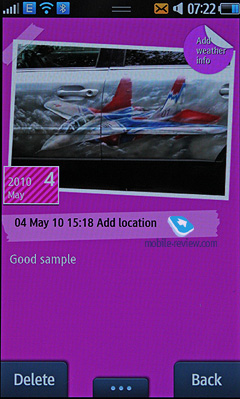
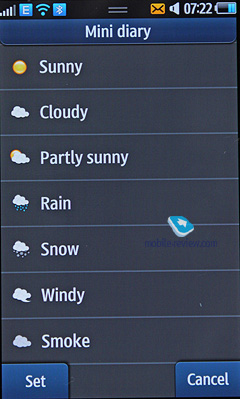
Mini Diary. This application allows making notes about your life, adding pictures, describing your location and weather and then publishing it on Facebook. It is a convenient and easy to use app.
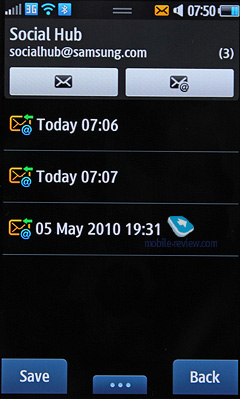
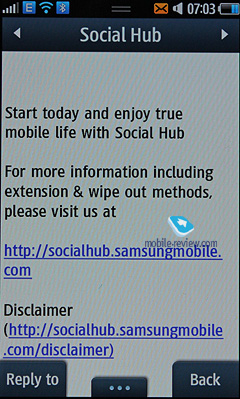
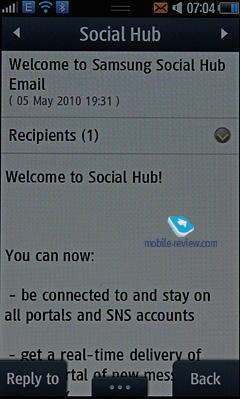
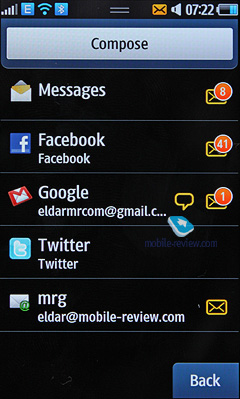
Social Hub. In one place you have all accounts for e-mail, social networks and IM. You do not have to use different software to manage your activities. Everything is accessible from one menu and by selecting an app you open it. It is a good idea, but what I like the most is that you even do not need this menu. In the phonebook all information is displayed instantly and received messages pop up and you can answer them from the screen. The same works for SMS.
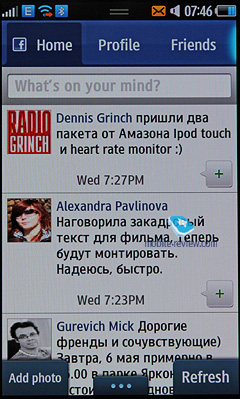
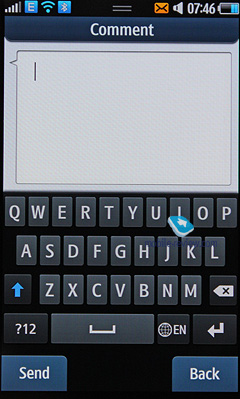
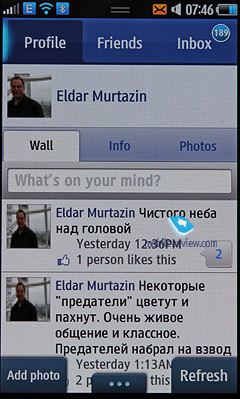
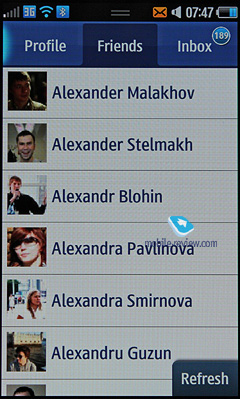
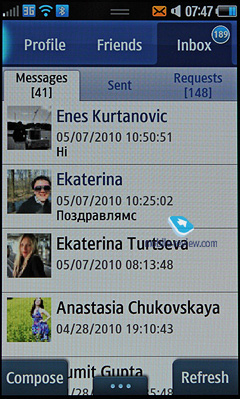
I have to give details on apps for social networks, for example, Facebook. The client is excellent and it can do everything, so I have no complaints here. Everything works on par with the offerings on other platforms.
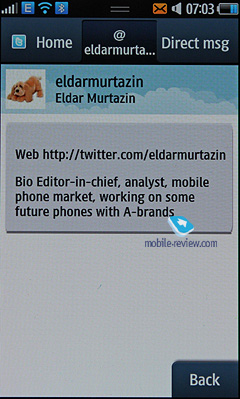
On the other hand, Twitter is not the best, because the friends list is updated for 5-8 entries, which is not enough. To save traffic this way is a crime against ergonomics. You have to press "update" constantly. In the settings you also cannot specify the number of tweets to display. In the friends list you click a person's name and view his/her profile or send an answer. Names in tweets are not displayed as links, which is sad. The features of the client are average, but they are not enough at times. I found a way out by using an appropriate widget and forgot about the app.
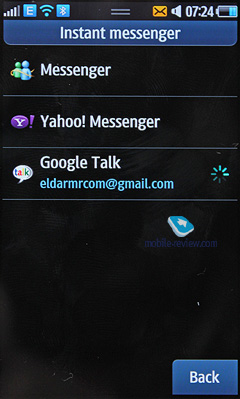
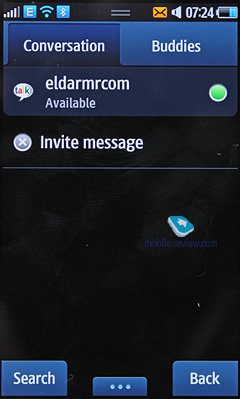
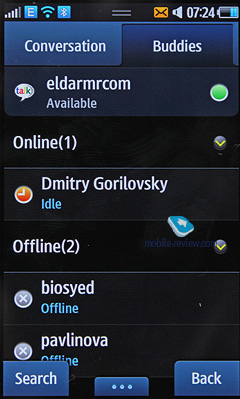
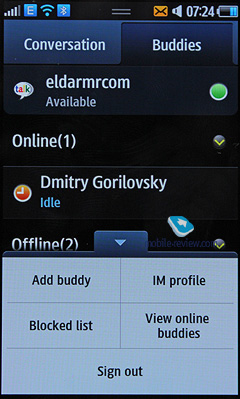
IM client is also quite good. It has Google Talk and AIM, while other solutions (not Skype or ICQ, at least in the short term) will be added in future. In the phonebook opposite a contact you see an IM icon and can start chatting with the person in case of availability. Here we have the same idea that you do not have to enter the application itself. But if you want to see all your contacts in one location the application can be easily opened.
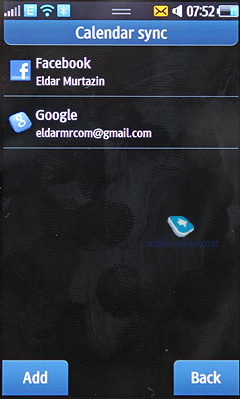
Calendars offer the same functionality as contacts. You can drag online calendars here, for example Google Calendar. Entries from different sources are shown by different colors. You can view all events in a general calendar together.
I have no complaints to the connection quality, ringtones sound loudly, while the vibro is not always felt. The location of the loudspeaker at the top creates advantages in the pocket, but at times there is a downside: if you put it upside down the sound will be faded. The same happens when you hold it in your hands as you often block the loudspeaker by chance. It irritates only when you play games.
Our readers would like to know about the drawbacks of the model, because phones cannot be ideal. This handset is not an exception, especially because it opens a new series. I have to mention that many defects will be eliminated while the series expands and new software will help as well.
What will I change in this handset? Of course we should mention the browser, which is not stable at the moment. It is the weakest point here. Taking into account the fact of quick updates I think in summer we will get a better product. We will discuss it again when we have a commercial version of the model. There is no auto complete option for the address bar and the scaling of columns with a double click is not always correct (both bugs were promised to be fixed). But in comparison with other OS this browser is not worse by any means. It lacks certain details and is a bit unstable because of Flash. We will see whether Samsung gets rid of Flash or tries to make sure the browser works well with it.
I have no complaints about the camera. I like the pictures and the video recording quality is excellent. With such a resolution you can even show the end product on TV screen at home (you will have to buy a cable additionally).
I like the mix of interfaces - TouchWiz 2, Android and iPhone. It is not a hotchpotch, but a comfortable, logical and easy to use menu. Samsung also added its own options like an adaptable menu. As Samsung is not geared to one OS only you can download contacts directly to the phone from social networks or Gmail. Nokia models require mandatory synchronization with OVI (prove me wrong if you can do otherwise easily).
Push services including mail are nice as well, though they increase the power consumption. The phone works in this case longer than Android handsets or S60, anyway.
This is the first phone with Bluetooth 3.0 and WiFi b/g/n, Super AMOLED screen, graphics processor and mDNIe technology. It is also equipped with a sound processor with the metal case and the screen protection glass into the bargain. Internal memory is accompanied by memory cards. Social Hub integrates all social networks activities. I can continue for a long time. Even a temporary absence of apps for Bada does not hide the truth about the sheer power of this solution. The model is a serious player in its segment and is surely one of the best models for the second part of 2010.
I should expressly mention that after Super AMOLED screen it is uncomfortable to use anything else. You always want to increase the brightness. In the camera mode you see the colors on the screen the way they are shown in real life. When I compared it with Nokia N97 Mini I understood that its screen is not a rival for Samsung. Nokia has no technologies to compete in this respect. People argue a lot about this type of screen, but you should have a personal experience before expressing your opinions. I had a similar story at the dawn of PDA emergence when I bought Palm Professional and carried it around without paying much attention to the device. I played some games, used contacts, but when the screen failed for good in a year I understood the amount of time a day saved by the model. It just worked without much accolade. The same applies to Super AMOLED as it just shows the true colors of the world. Some people prefer black and white, but I think it is silly not to use a screen, because it is bright, sharp and reproduces colors so well. Finally, the screen supports multitouch, has good reaction while pressing without mistakes.
Do rivals treat Wave seriously? More than that. For example, Nokia decided to fight by lowering the price of Nokia N8 to €370 for September. At the beginning Wave will cost around €420-450 in Europe. Can we compare them? Not at all. These are different models and while Nokia again tries to offer a smartphone for a small group of S60 followers, and attracts additional customers with a 12 MP camera, Samsung targets mass audiences with the emphasis on the interface, user friendliness, good materials and long operation time. Two different approaches have different results.
In general we have one of the best touchscreen models on the market, which will rule the segment for half a year. You should obviously pay attention to the model, which Samsung plans to sell in huge numbers and preliminary orders from the partners show their belief in this handset. In terms of hardware no other company will be able to offer anything similar in the next 6 months. The quality of Wave is already good enough for a stable model with numerous attractive features. I have been using it as my main phone recently and I have no complaints whatsoever.

 Samsung Galaxy Note. First Look