Review Sony Ericsson P900
Part
1 >>>
Software or standard kit
When using the P900 you constantly compare it with the
P800, and as a result you notice many new small improvements.
I don’t know whether this is an influence of the new Symbian
UIQ 2.1 or something else, but it’s much more pleasant to
work with it.
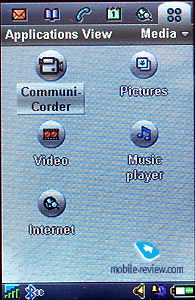 
Unfortunately, the P900 has “only” a 16 MB built-in memory,
which these in days seem somewhat insufficient. On the other
hand, the MS Duo slot partially solves the memory problem.
Let’s view the main applications and after that look at
the main changes.
Let’s begin with Messaging. As in the
earlier model you can create, receive and send SMS, MMS messages
and e-mails. Several new templates have been introduced for
MMS-messages. I don’t remember if it was possible to add a
note scribbled in a notebook but in the P900 it is. It is
also possible to add photos, video and sounds. So far, the
realization of messages and e-mails is excellent.
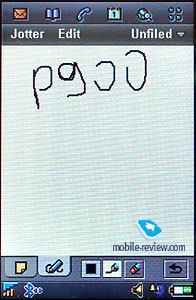
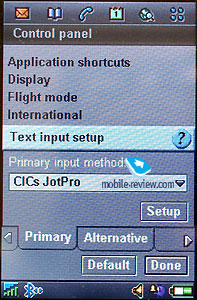
You can use three different ways to input text. In the
closed mode it’s the same as in a usual phone, and the P900
supports predictive text input T9 which the P800 didn’t. When
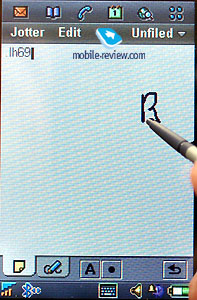
you open the flip cover you can input data using CICs JotPro.
It looks like graffiti but you write numbers in the upper
part of the screen and letters in the lower one. The phone
recognizes the symbols and inputs in the input zone. If you
don’t like mistakes or this way feels too complicated for
you, try to use the virtual keypad. It’s rather comfortable
and allows to switch between different keypad layouts. It
is possible to use a zoom function almost in each menu, and
allows you to increase or decrease font size. Three font sizes
are supported, which makes it able for you to adjust how the
information will be displayed, according to you needs.
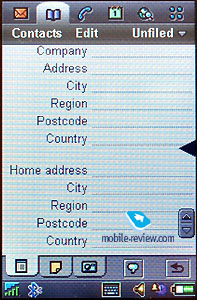
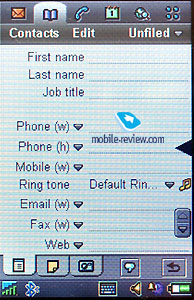
Contacts. Basically the same as in the
P800, you can add 8 phone numbers, e-mail address, URL and
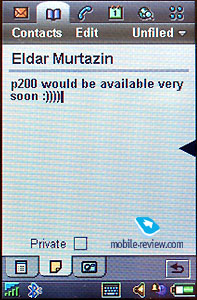
a full home or office post address to each entry. You can
also add your own notes about each contact in a specific text
window. Like in the P800, it's also possible to associate
an image or/and a ringtone with each contact which will be
displayed when you receive a call from that contact, along
with the possibility to add voice tags for voice dialing.
There are different ways to search and to sort the contacts
in the phonebook. The settings are flexible i.e. there is
an option to display a list of names with main phone numbers,
which you can expect today from a good PDA.
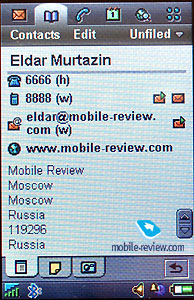 
 
Phone mode. This menu is essential for
the on-screen keys to appear. Here you have nine shortcuts
for speed dialling, you can get access to the menu settings
and the ringtone/vibration alert (don't believe those who
claim that this feature is absent in this handset – it’s there!)
The virtual keys have become bigger and now it’s actually
convenient to dial a phone number with your hands, not having
to use the stylus when dialling anymore.
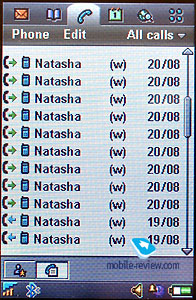 
A call list is available where the following info is displayed:
phone number, if you made the call or received it, its duration
and the date. It's possible to sort the calls (outgoing, incoming,
missed, all). Everything is quite simple to manage.
Calendar or organizer. I don't want to
describe all the possibilities in this application, since
(in my opinion) this organizer is similar to those in PDAs.
There are weekly, monthly and daily views of the calendar,
and you can set recurring events and reminders etc. Even the
most demanding customer will probably be satisfied with this
organizer.
 
 
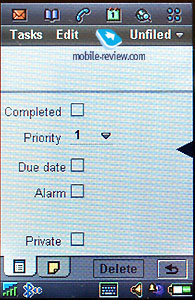
To-do list. In addition to the organizer,
there is a task list: setting priorities, sorting and other
features of that kind. In other words, it's a handy tool for
getting an overview of the work ahead.
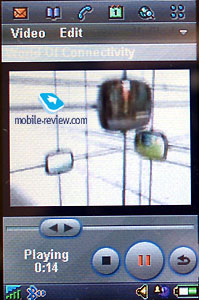
Video. It is possible to view usual video
formats, including mp4.
Music Player. The main advantage of the
player is that it allows creating playback lists, a loop feature
and moving a file from one list to another – a typical mp3-player.
Supported formats are: MP3, AMR (dictaphone records), AU,
WAV, MIDI. The files can be sorted alphabetically, after filetype
or several other features. You can create your own folders
and arrange your files.

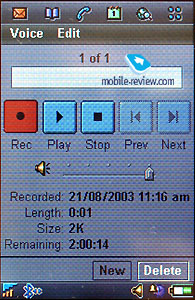
Voice memo. Not much to say about this
feature really. As with all Sony Ericsson devices with this
feature it has no time limits, only limits of dynamic memory
space.
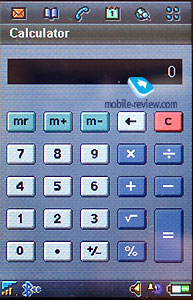
Calculator. Looks like an ordinary calculator.
Unfortunately, it has no scientific mode.
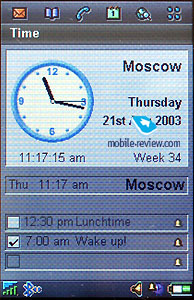
Time. Here you can set and reset time,
date and alarms. They can be set to sound once or repeatedly.
All sound files are at your disposal to use as an alarm signal.
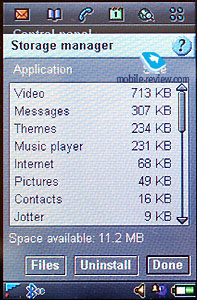
Viewer. This is an utility to view memory
contents and contents of additional memory cards.
Remote Sync. Remote synchronization is
a feature that enables you to sync your P900 with a corporate
database, maybe preferably if you’re going to use this at
work.
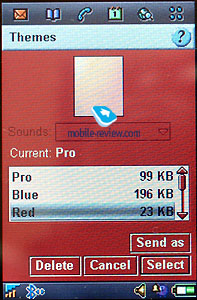
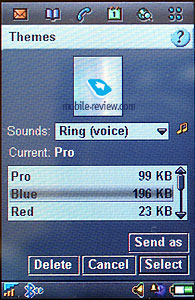
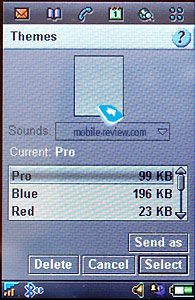
Control panel. From which you control
the main functions of the P900 as: formatting of memory cards,
selecting of screen wallpapers, display settings, changing
of system sounds, mail/internet/bluetooth settings etc.
 
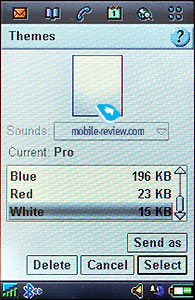
The ability to choose different menu themes is the other
strong feature of the P900.
Part
1 >>>
Part 3>>>
Eldar Murtazin (eldar@mobile-review.com)
Translated by Maria Sennikova (maria@mobile-review.com)
Text editor: Tommy Kellerman (Tommy.Kellerman@kama.se)
Published — 1 October 2003
Have something to add?! Write us... eldar@mobile-review.com
|

 Samsung Galaxy Note. First Look
