Review SonyEricsson T610. Part 2
SonyEricsson T610, live pictures
Part 1
Part 3
This part of the review will be devoted to menu changes and phone interface. Joystick is the main navigation instrument. It operates excellent; there are no accidental pressures and errors. Just press joystick and you enter a main menu. If you press it to any side, you’ll call such applications as phonebook, SMS messages creation, to-do list and homepage browsing. Besides, if you press a right soft-key you can see a small list of features, which are often used, for example activation/deactivation of IrDa and bluetooth.
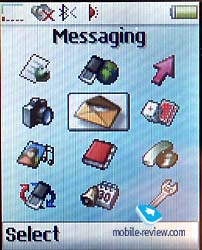 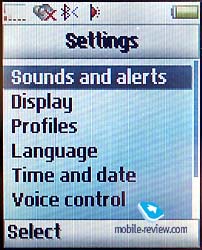
As usual it is possible to choose one or another menu item by joystick or left soft key. You can return to the previous menu level or in stand-by mode if press the other key, which is placed under it. It’s interesting that C-key doesn’t play any role in this process. So, users who get used to the phones of other manufacturers, will have some difficulties at first while using T610.
There is a possibility to create a list of shortcut commands. It will give access to the most frequently used functions.
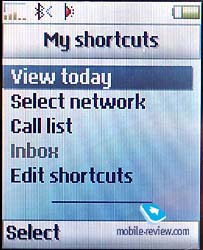
Each menu item of the main menu and all submenus are numbered, what allows to use quick shortcut number navigation. Let’s describe the main menu. The phone has a new menu structure, the main menu is presented by 3 rows and 4 columns of menu icons (totally, 12). They are located not at random. Usually, the most demanded functions are easier to get. At first sight, a navigation seems to be difficult, but in fact there are no problems with it. The menu is well thought-out, we think that any user can get used to it during a week. You need only 2-3 steps to make most of operations, even without shortcut number navigation. This phone is ideal for those who are going to use it for a long time. In this case you can really enjoy the phone and the menu.
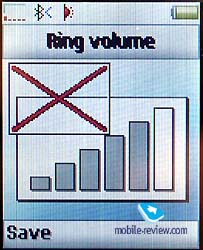
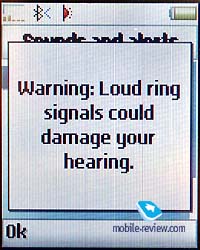
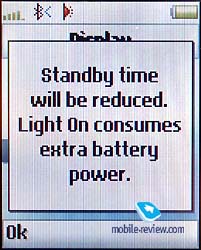
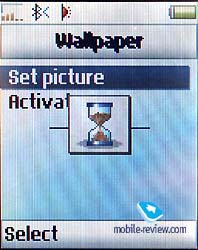
The other important change is a new menu interface. Now it resembles one, which is used in PCs. Engineers added sand-glass and notifications about consequences of our actions. For example, if you select the loudest volume, the phone warns you that it can damage your hearing. May be it’s not necessary, but such reminders can be found in all menus.
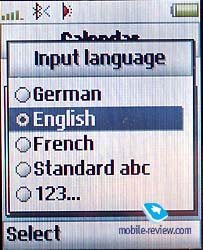
Convenience of text inputting is remained on the same level. If you press #, you’ll get a list of available languages, then you can switch between them while messages creation.
This phone has many ways of personalization. Themes, which we’ve already seen in the phone of other manufacturers, were also developed in this handset. They include phone logos, wallpaper, type of cursor. Totally, one can find 3 color themes in T610, they are named similar to available colors of the phone. Besides, there will be a wide range of themes on the site of Sony Ericsson (this service is not available now). You can change almost all settings in one theme, including font and color of sand-glass. Everything depends on your fantasy, the phone can be really personalized according to your tastes.
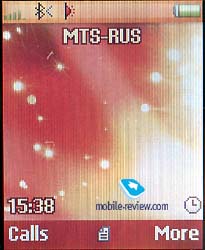 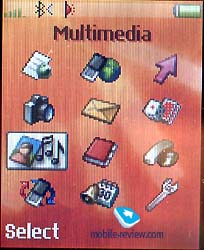
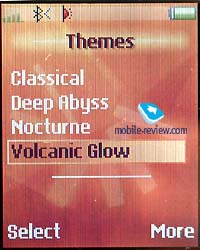 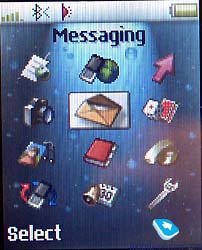
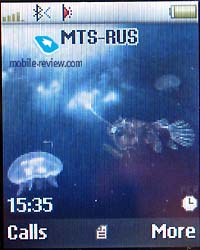 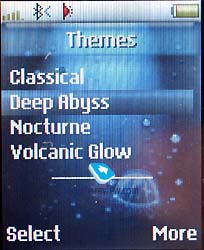
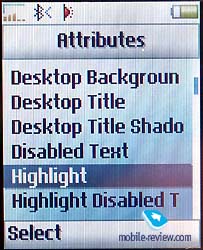 
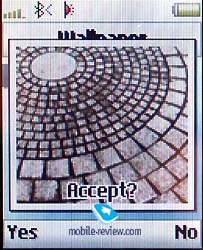
Telling about these kinds of functions, it is necessary to add that any pre-installed picture can be set as wallpaper or an image, which is displayed while turning on the phone. Later we’ll tell about the camera as well.
 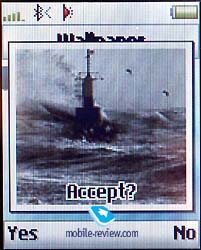
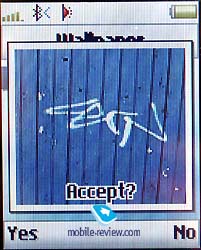 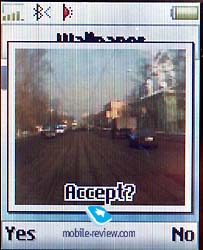
The company declares that T610 is the first phone from the device series with QuickShare technology support. It means that a user can transmit any files and notes to the other devices, such as PC, PDA, and mobile phones. According to the manufacturers, simplicity in data transmitting will be typical to this kind of products. T610 is only a prototype of a future device. But almost any record can be transmitted from the phone through IrDa, bluetooth, built-in integrated mail client or MMS. We think that the problem is that all these functions are odd parts of the whole, they are united by one shell. Nevertheless, T610 is the best phone in response of data synchronization. It is similar to smartphones by this feature.
Now let’s turn to the main functions of the phone.
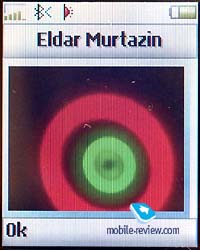
Phonebook. This phonebook resembles one in Sony Ericsson T68i. The new one doen’t have considerable changes. Several phone numbers, e-mail address and other information can be added to one entry. You can select necessary fields, which will be displayed while filling one entry block. A sorting by fields like in T68i is available, for example you can sort entries by name and surname, though there is only one field for text input. Such sorting is important only when you transmit data from PC, it’s useless for phone records. You can assign a personal ringing tone and picture for each entry.
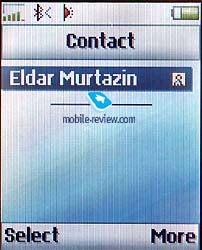 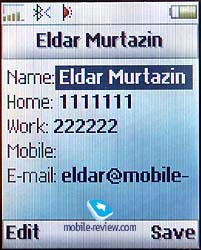
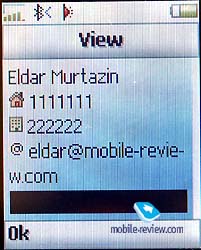 
 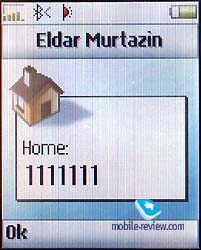
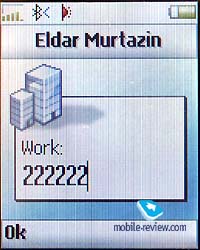 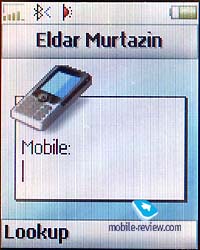
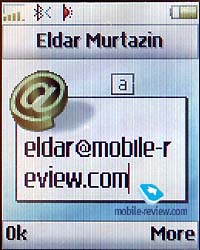 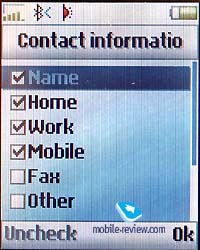
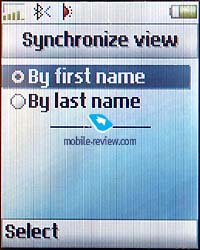
Totally, you can add up to 49 voice tags to phone numbers in the phonebook. A special voice tags is assigned to each type of phone number (home, mobile, office). So, if you try to dial an office number of John, you say “John office”. A function Magic Word is also available in the phone, it’s very pleasant when you use a handsfree device.
When you input information you’ll see special icons in each field, which were not displayed before (in earlier models). The peculiarity of the phone is that all contacts could be send to another device via IrDa or bluetooth. This function works correctly, we tested it with Fujitsu Siemens Loox 600, all records, even Russian, were recognized without errors.
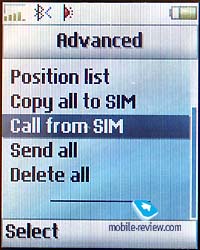
Sony Ericsson didn’t add a possibility to view phone numbers from SIM-card and phone memories simultaneously. You should enter a menu to view contacts from SIM-card memory. The company didn’t add this feature on purpose because of the marketing policy. It is one of the ways to attract users to its products. But it’s more logical to use phone, not SIM-card capabilities.
In the end of this paragraph I would like to repeat that phonebook capabilities are similar to T68i and they are the richest for today.
Messages. You can choose a special tone for incoming messages among a small list, which consists of 8, not various melodies. It’s not obvious why total list of ringing tones is not available in this menu.
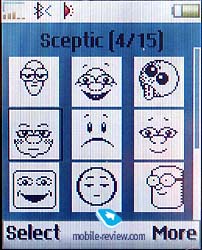 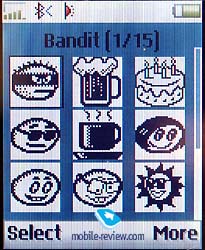
All capabilities concerning operations with messages are standard. There are templates and fields to create own ones. Both memories (SIM-card and phone) are used to keep messages. Chat-function also can be used. E-mail client supports enables to send and receive messages; all codes are supported.
MMS-messages are called Picture Messaging now, though all folders have the same names. It’s impossible to add more than one image to a message. Functional capabilities were reduced compared with T68i, probably because of the provider’s pressure. On the one hand, all settings are simple, even a child will be able to send MMS-message.
The last item, which is worth to note is WAP Push. We can’t test this feature, as Russian providers (like 99% European providers) don’t support this service. Nevertheless, this technology is realized.
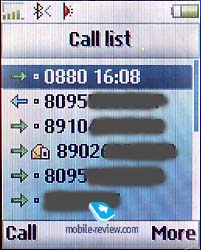
Call records. Up to 30 records are contained in the total list (with date and time indication). There is a small icon near each record, which indicates type o call (missed, received, dialed phone number). Besides, you can view if this number is available in SIM-card memory. It’s a virtue of this model. A list of missed calls can be also displayed separately, it contains up to 10 records. Cost and time counters are also located here.
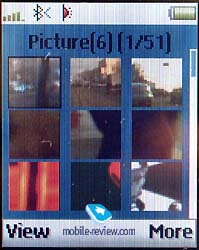
Multimedia. Pre-default pictures, which are displayed as small icons, can be found in this menu. You can also view photos taken by camera here.
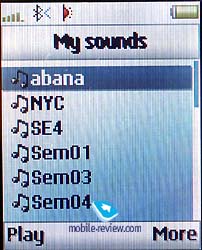
Apart from pictures, one can view own audio files, including dictaphone records. An access to voice memo function is also hidden in this submenu.
 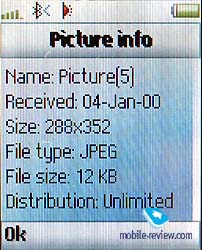
It is possible to select phone themes and download new ones. QuickShare enables to add new links to resources, which connected with melodies, pictures and phone themes. Later you can just click a link and see many files to download.
There is a built-in musical composer in the phone. You can edit 4 separate tracks, selecting existing instruments. An original melody can be created with a help of this application.
A graphical editor is also integrated in this phone. You can draw simple pictures there. As for me, this function is not necessary, though it helps to kill time.
Video which describes menu speed (1.7 Mb)
Part 3>>>
Eldar Murtazin (eldar@mobile-review.com)
Translated by Maria Sennikova (maria@mobile-review.com)
Published — 7 March 2003
Have something to add?! Write us... eldar@mobile-review.com
|

 Samsung Galaxy Note. First Look
