|
|
Android – first look
The intrigue set up by Google ended when they launched a new platform for mobile devices. Also along with that release they rolled out an SDK for developers, that can well give us an idea of what new phones will be capable of. Among all other things, the kit includes an emulator that we used for the today’s review. You can upload the SDK for free from the page linked above – the archive is around 56 Mb, and when unpacked it gets 171 Mb big.
The application doesn’t require you to install it, and the emulator is launched by hitting “emulator.exe” found in the Tools folder.
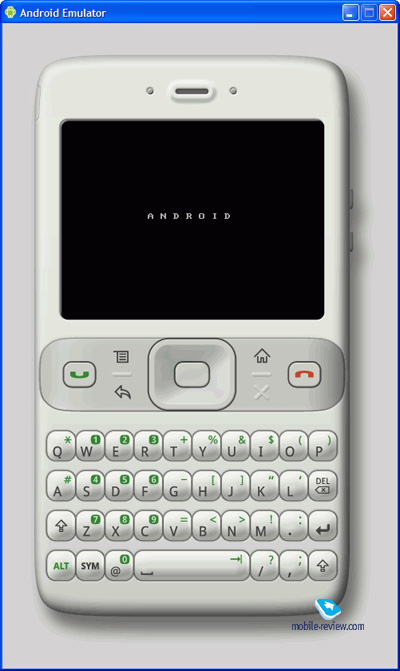
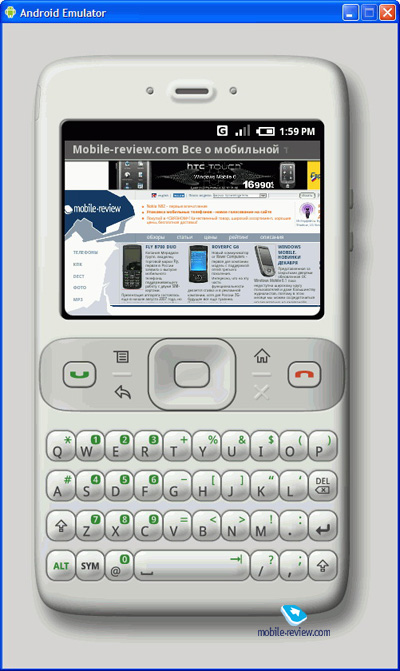
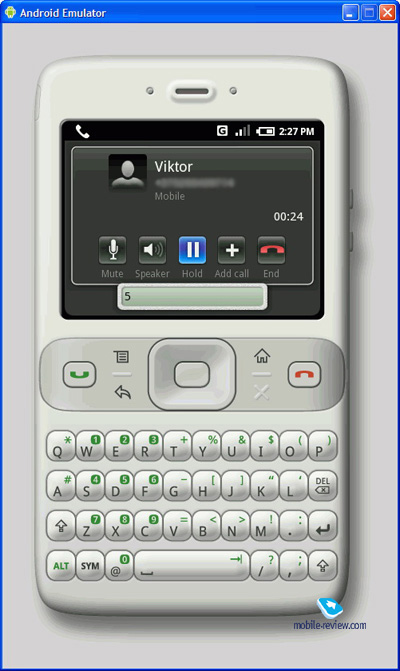
Undoubtedly, the handset pictured in the emulator’s home screen is a mere concept, but even with that we can check out what the new software platform (dubbed by Google as a revolution in the mobile world) is made of. The Google phone (let’s put it this way for convenience) packs a landscape display, a navigation cluster (some of which are touch-sensitive) and a thumbboard. The navi cluster comprises pick/hang up buttons, four shortcuts (functions, back, Home, cancel) and a four-way navigation key with OK mounted in the center.
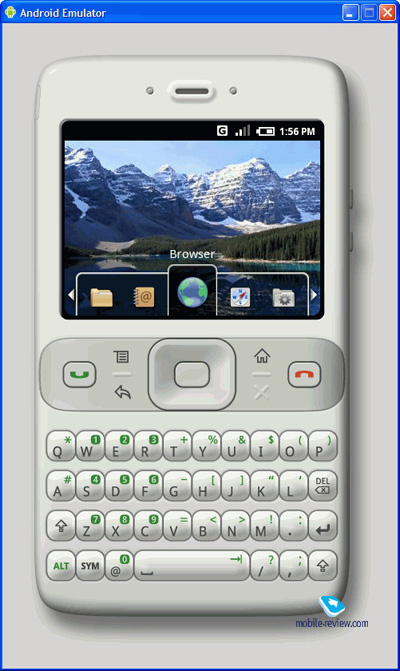
Once you start up this emulator, is, well, emulates the basic routine of any mobile phone – it turns on and searches for an available network. Then its wallpaper pops up and you get access to the memory. The default application featured in the Google phone is Browser, flanked by Maps and Developer Tools (on the right), Contacts and Applications (on the left). You can move about the applications via the navigation key or by clicking on the icons displayed on the screen – evidently, all there interactions are done with the pointer, emulating screen taps.
There aren’t many utilities available with this emulator, so we can well give every one of them a close-up.
Browser
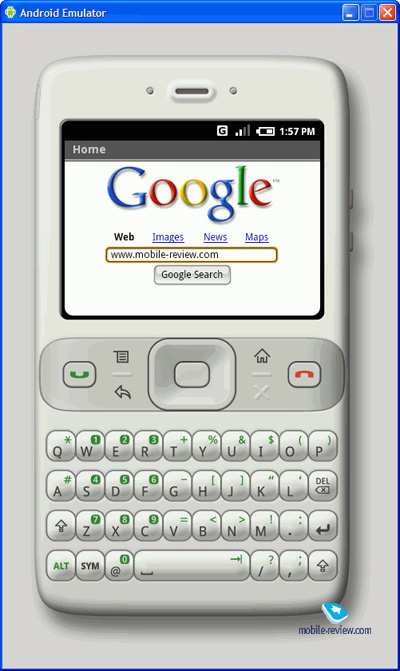
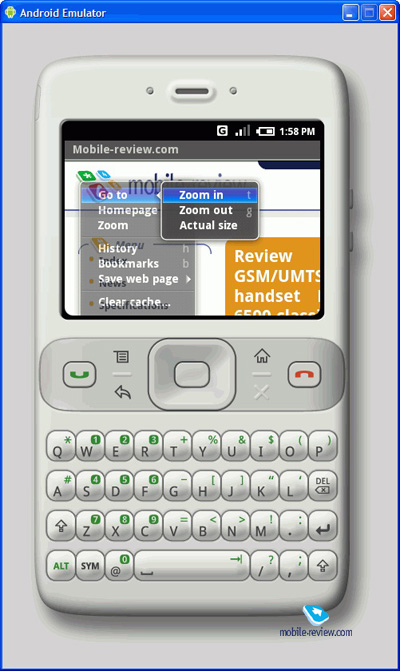
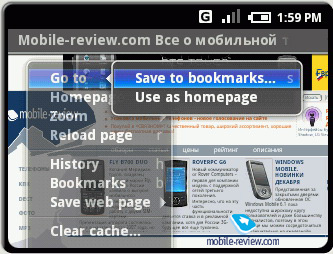
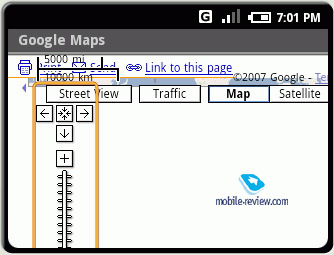
The default page of the browser is Google.com (surprisingly), but it can be changed hands down. The Android’s browser supports scaling (tap the hardware buttons), history logs and bookmarking. You are allowed to navigate web-pages with the navi-key or by sweeping your fingers across the display (as far as the emulator is concerned, with the mouse pointer) The curious thing about the browser is that it doesn’t render the main page of Google Maps properly, despite employing PC’s resources for this purpose. This way, the only browser that can display Google maps is still the Apple iPhone’s Safari.
Maps
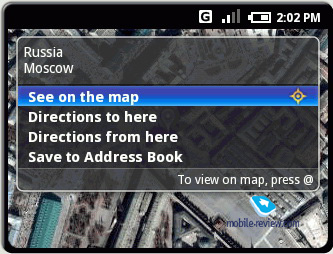
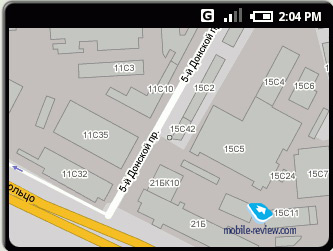
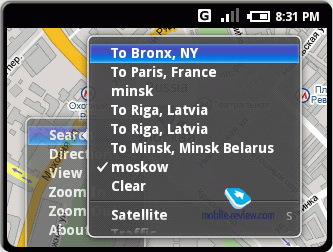
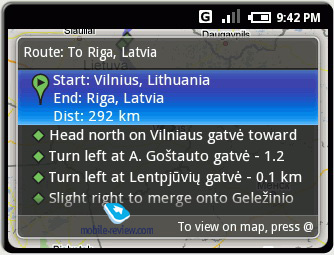
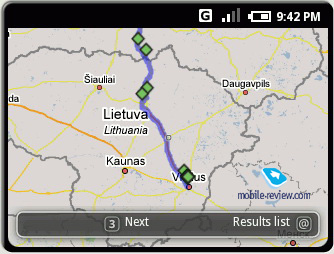
One of the more interesting applications built into the platform. This utility enables the user to search places on maps, calculate routes, and save locations in the phonebook. For some obscure reasons, we couldn’t plot a route in Russia, and one of our best guesses was that since the map comes with localized names on it, the search simply can’t pick them up. Speaking in favor of this is another misstep of the application – it can’t deal with China either and at the same time we easily calculated a couple of routes in Europe and North America. In light of the fact that the PC edition of Google Maps doesn’t pack detailed maps for many regions either, the situation with route calculation should be improving as more high-res maps arrive. And the regions where the users can take advantage of route calculation, enjoy pretty much precise shortcuts to any destination.
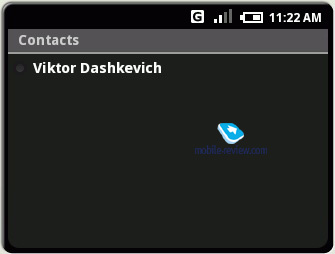
Contacts
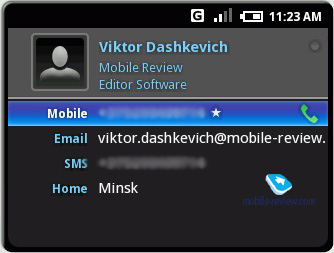
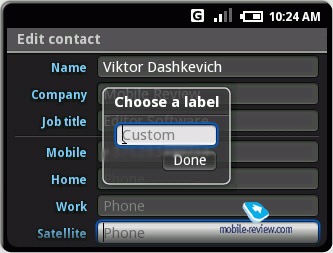
The phonebook found here has an unlimited number of data fields – by default you get access to Name, Company, Job title and three types of phone numbers – mobile, work, home. While there is the option for putting in an image, the current version of the emulator doesn’t support it. There are also several fields for typing email addresses. And as for the rest, you are free to add new news, more lines, rename fields etc. By default mobile numbers are utilized for sending/received SMS message. The Home and Work address fields can be used as locations for tracking on the map or as start/end points of routes.
The Android’s phonebook is very easy to use and master, and if they keep it this way when it finally gets to real mobile solutions, then the breed of feature phones will offer a phonebook that is second to no smartphone software.
Calling options are disabled on the emulator, but I won’t be surprised if Google Talk will be the default VoIP-option. There is a good chance that other VoIP clients will also be supported, especially Google’s beliefs that communications should be global and free.
Applications
Basically, this section is not very different from the icon bar embedded into the emulator’s home screen – it houses the API Demos folder, comprising a couple of demos.
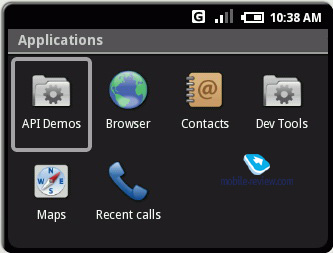
Below is a bunch of screenshots of what these demos actually are.
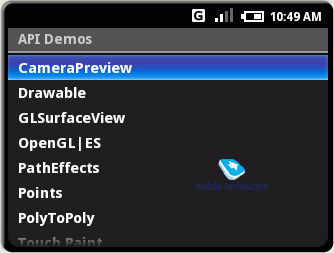
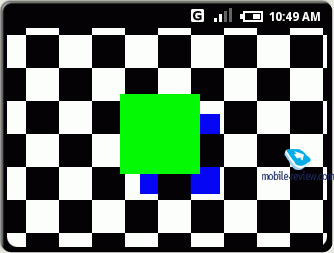
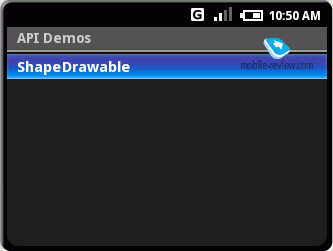
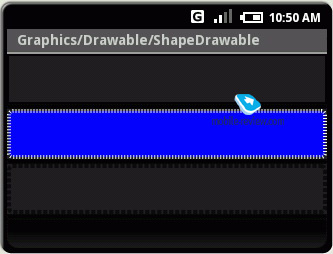
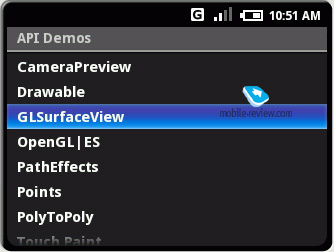
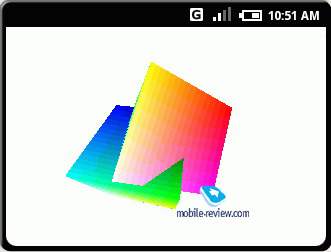
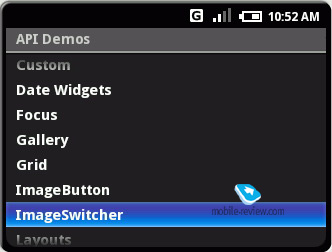
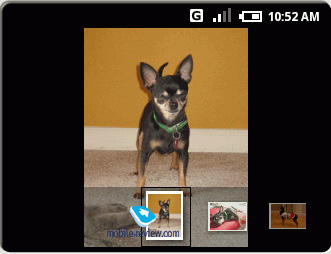
While the demos looked sweet on our PC, it is important to realize that it was a 3 Ghz CPU powering all this. But it won’t be long before we find out what Android’s graphical merits really are.
Conclusion
We were thrilled to check out this emulator, so as to assess the abilities of the new platform. Regrettably, there are no operational applications available as yet, so our take on it was skin-deep. Among the prospective amenities of the Android are its touch-sensitive display that can be handled with fingers alone, Google Maps and phonebook. We were a little puzzled by the browser, however. But let’s not forget that this is only the first demo of the OS, so we will reserve our final judgment until first Android-based devices arrive. One thing is for sure, though: most contemporary approaches to device management and interface layout have been implemented into the system’s software, which is obviously a good thing.
Viktor Dashkevich (viktor.dashkevich@mobile-review.com)
Translated by Oleg Kononosov (oleg.kononosov@mobile-review.com)
Published — 18 December 2007
Have something to add?! Write us... eldar@mobile-review.com
|
News:
[ 31-07 16:21 ]Sir Jony Ive: Apple Isn't In It For The Money
[ 31-07 13:34 ]Video: Nokia Designer Interviews
[ 31-07 13:10 ]RIM To Layoff 3,000 More Employees
[ 30-07 20:59 ]Video: iPhone 5 Housing Shown Off
[ 30-07 19:12 ]Android Fortunes Decline In U.S.
[ 25-07 16:18 ]Why Apple Is Suing Samsung?
[ 25-07 15:53 ]A Few Choice Quotes About Apple ... By Samsung
[ 23-07 20:25 ]Russian iOS Hacker Calls It A Day
[ 23-07 17:40 ]Video: It's Still Not Out, But Galaxy Note 10.1 Gets An Ad
[ 19-07 19:10 ]Another Loss For Nokia: $1 Billion Down In Q2
[ 19-07 17:22 ]British Judge Orders Apple To Run Ads Saying Samsung Did Not Copy Them
[ 19-07 16:57 ]iPhone 5 To Feature Nano-SIM Cards
[ 18-07 14:20 ]What The iPad Could Have Looked Like ...
[ 18-07 13:25 ]App Store Hack Is Still Going Strong Despite Apple's Best Efforts
[ 13-07 12:34 ]Infographic: The (Hypothetical) Sale Of RIM
[ 13-07 11:10 ]Video: iPhone Hacker Makes In-App Purchases Free
[ 12-07 19:50 ]iPhone 5 Images Leak Again
[ 12-07 17:51 ]Android Takes 50%+ Of U.S. And Europe
[ 11-07 16:02 ]Apple Involved In 60% Of Patent Suits
[ 11-07 13:14 ]Video: Kindle Fire Gets A Jelly Bean
Subscribe
|

 Samsung Galaxy Note. First Look
